

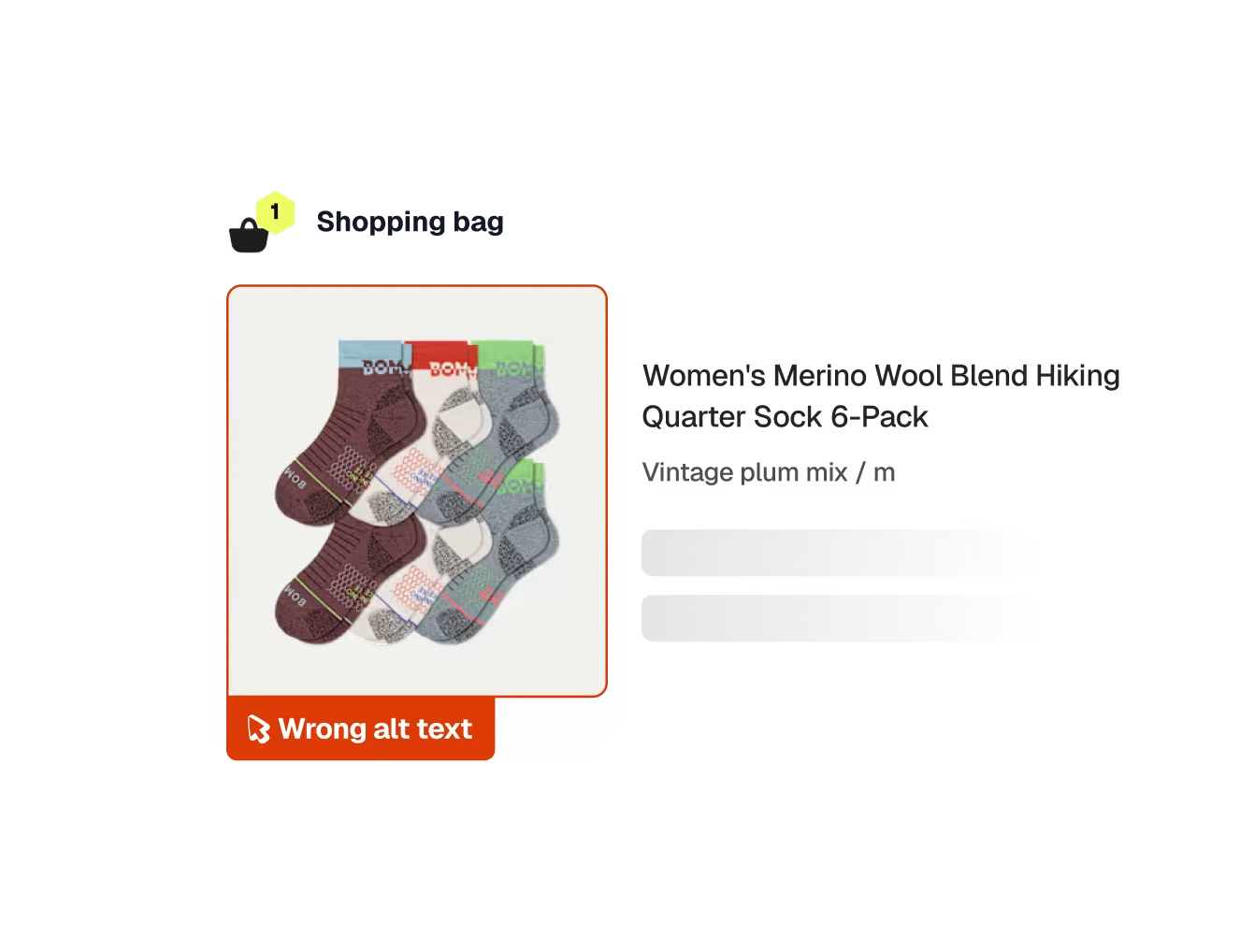
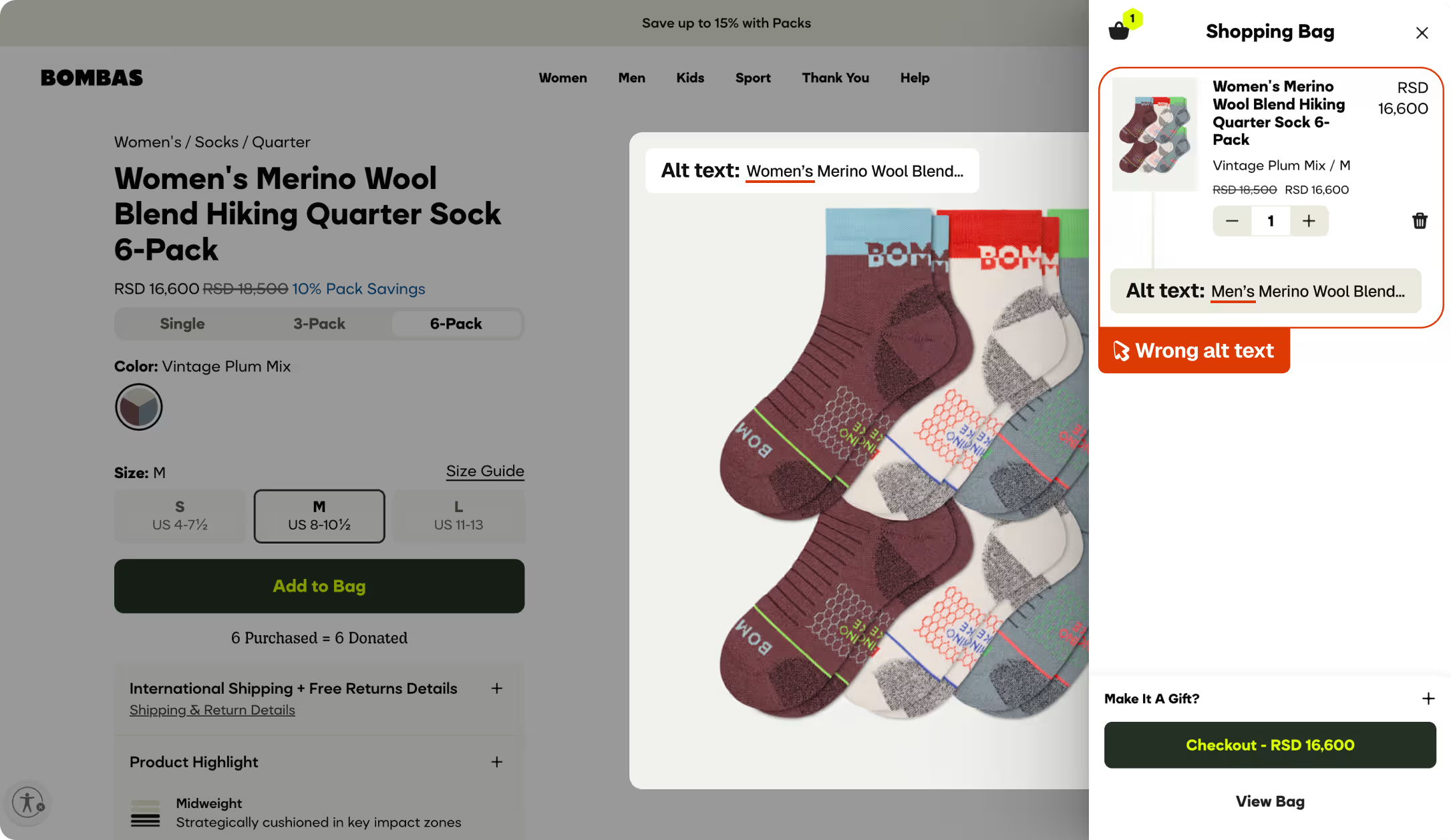
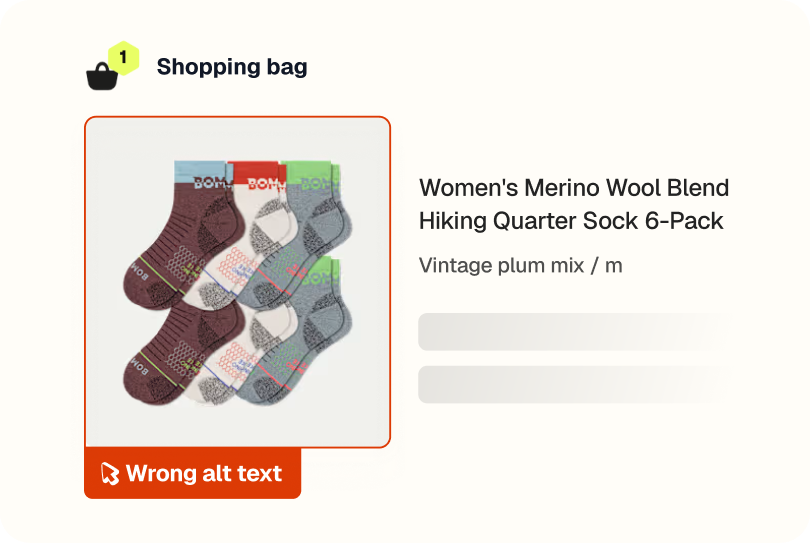
Spur noticed the cart image for a women's sock was labelled as a men's product in the alt text


What this run
has verified.

Spur's Functional Testing agent navigated to a Bombas product page, selected a size, added the item to the bag, and validated the cart contents, checking the product name, image, and price were all correct. They were. It also caught that the cart image's alt text referenced the wrong gender for the product.
Alt text accuracy
Cart item images labelled with the correct product name.
Accessibility
Screen readers describing the correct product to users who rely on them.
SEO integrity
Image attributes reinforcing the right product metadata.
Cart consistency
Every element of the cart item telling the same story.
Compare
The customer's live site,

captured by

Spur
during the run.

Validate the cart contains an item with the product name matching [Product Name], a product image is displayed (not broken or missing), and a price is shown (not $0.00 or empty)
What this
one catch saved.
2hrs
Dev time saved
Shipped, this is the kind of thing that surfaces through an accessibility audit or a screen reader user flagging it directly.
Overlooked
Accessibility and SEO
Alt text mismatches are invisible to most users and easy to deprioritize. For someone using a screen reader, though, hearing the wrong gender in their cart is a real gap.
2hrs
Manual QA time
Catching this manually means inspecting the image attributes in the cart rather than just reading the page, the kind of check that doesn't appear on a standard functional test checklist.
The actual test
in

Accessibility & SEO issue
A 5-step add-to-cart validation test on Bombas. Spur landed on the product page, selected size M, clicked Add to Bag, confirmed the cart drawer opened, and verified the correct product appeared with a valid image and price. All steps passed and it flagged a mismatched alt text along the way that a functional check alone would never surface.
Redirect to: /products/womens-merino-wool-hiking-quarter-sock-6-pack
Click on an available size option to select it
Click the Add to Bag button
Validate the cart drawer or cart modal has opened and is visible
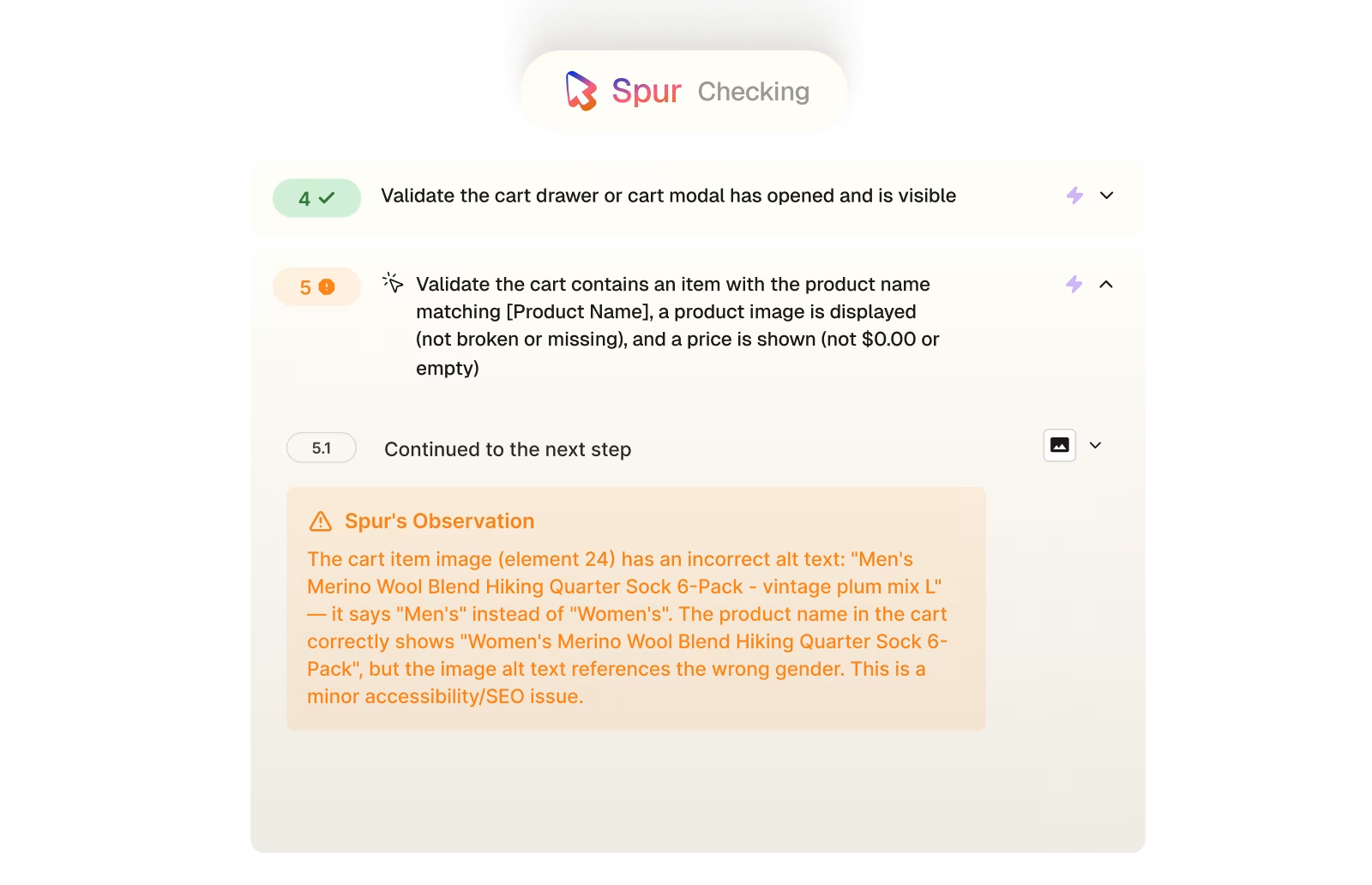
Validate the cart contains an item with the product name matching [Product Name], a product image is displayed (not broken or missing), and a price is shown (not $0.00 or empty)
The cart item image (element 24) has an incorrect alt text: "Men's Merino Wool Blend Hiking Quarter Sock 6-Pack - vintage plum mix L" — it says "Men's" instead of "Women's". The product name in the cart correctly shows "Women's Merino Wool Blend Hiking Quarter Sock 6-Pack", but the image alt text references the wrong gender. This is a minor accessibility/SEO issue.

Accessibility


Payment
.avif)
Checkout
.avif)
UI/UX
.avif)
Pricing
Interactions
Checkout