


Reads the screen
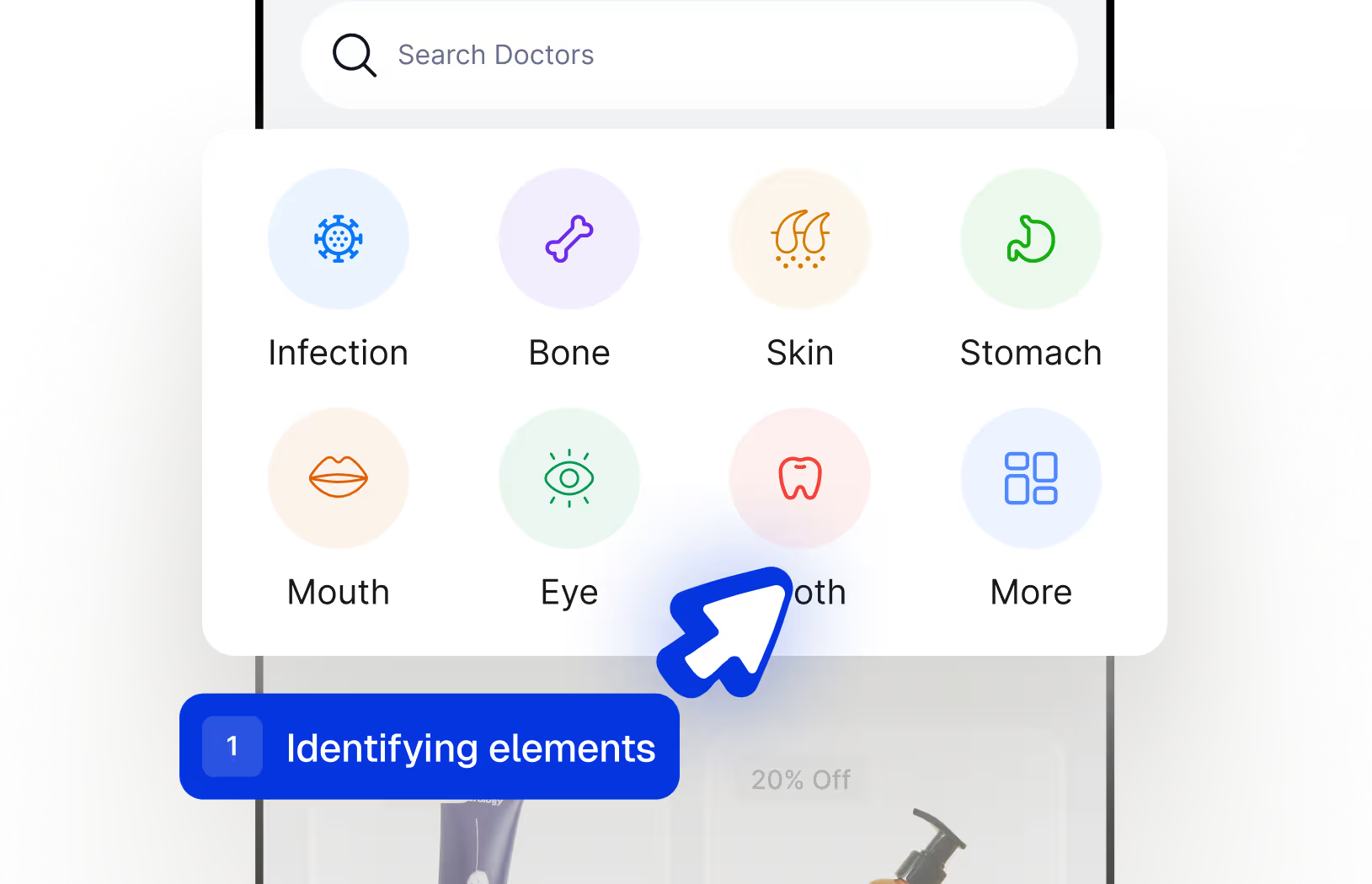
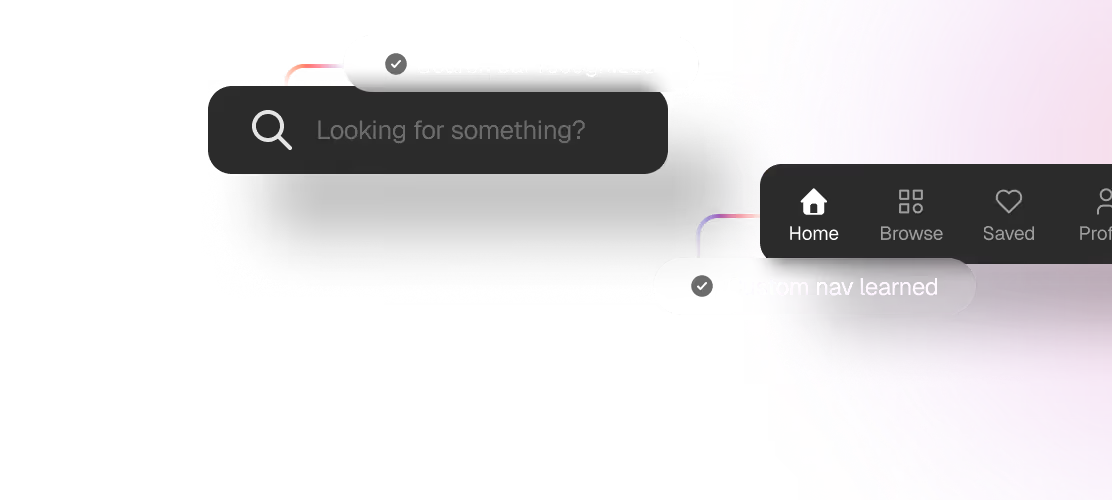
Spur identifies every UI element, buttons, text, images, lists, by what it looks like, not by an ID a developer has to remember to set.


























Console logs
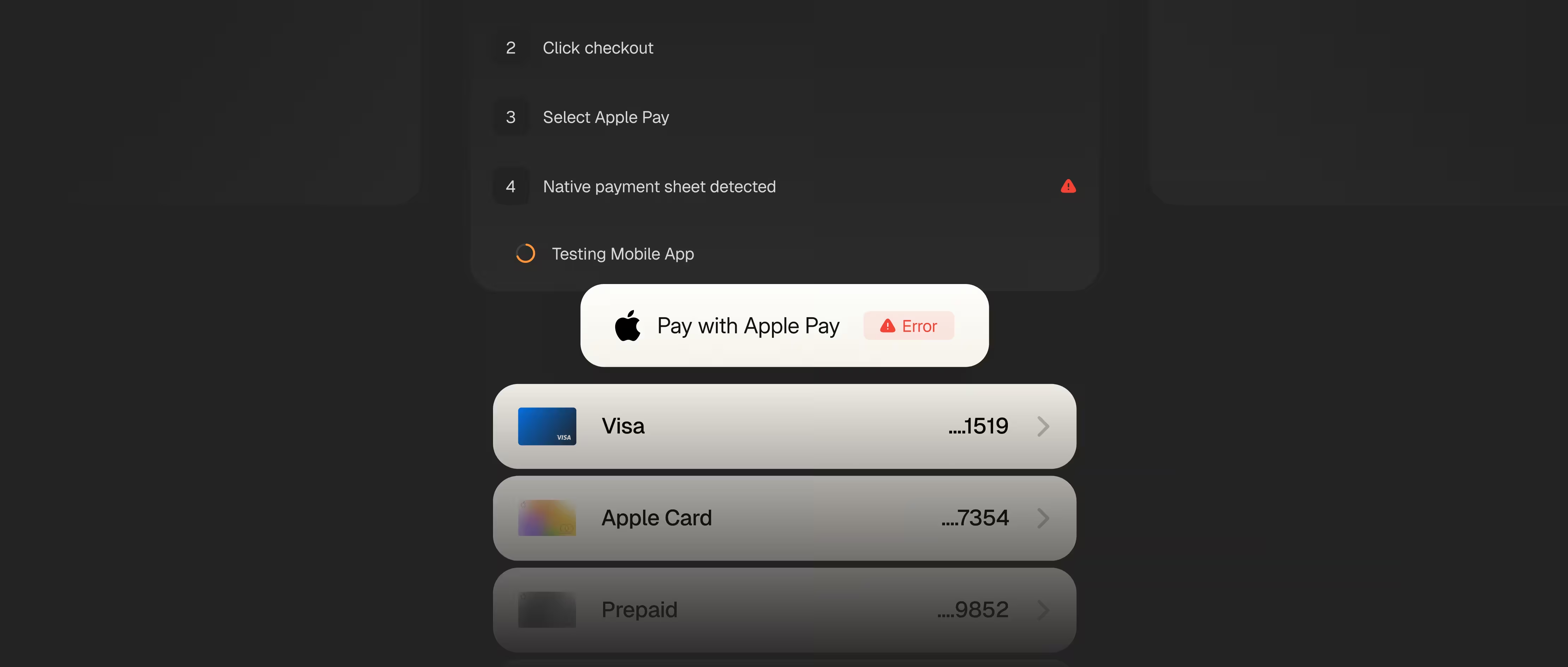
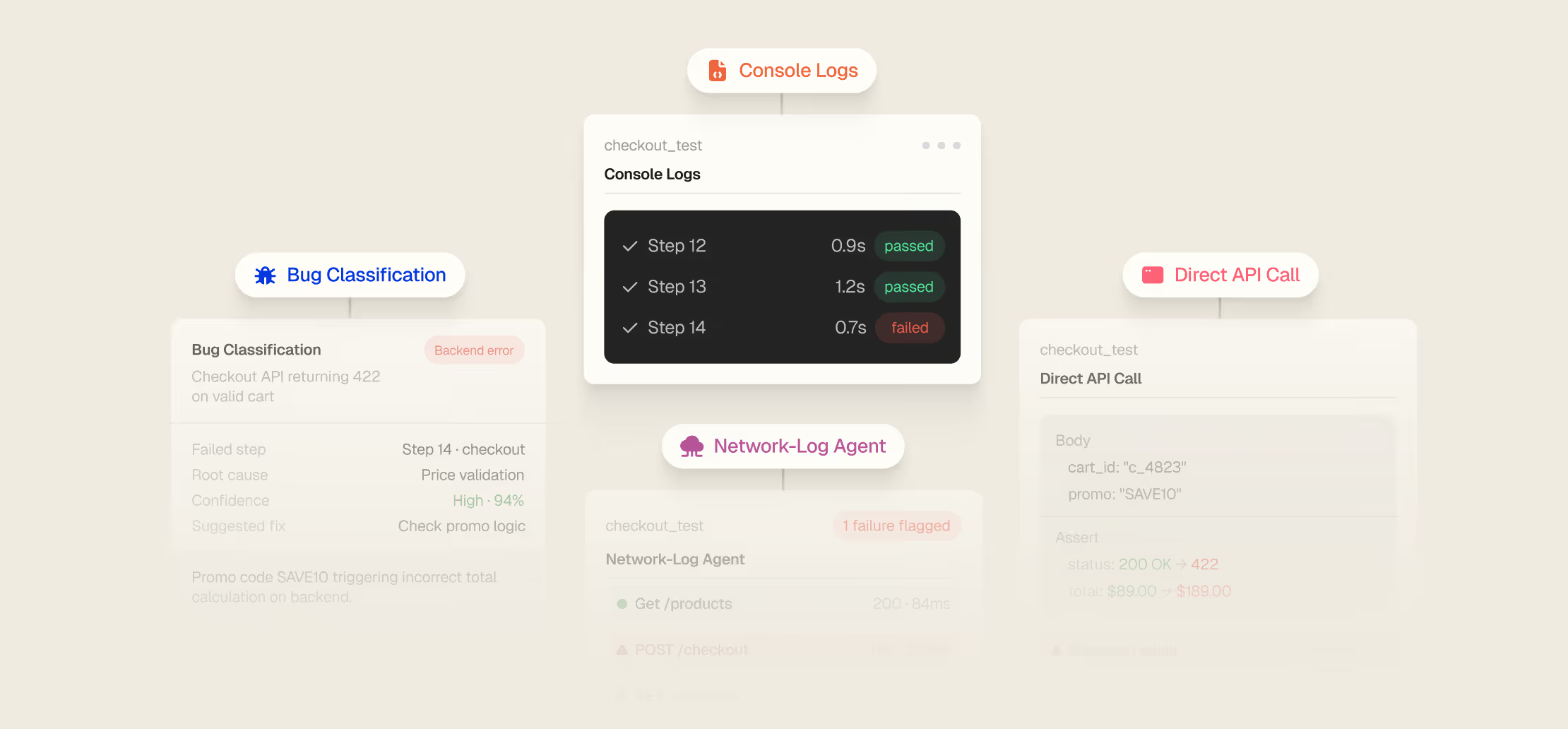
Full console and network logs output auto-captured each run to find failures.
Direct API calls
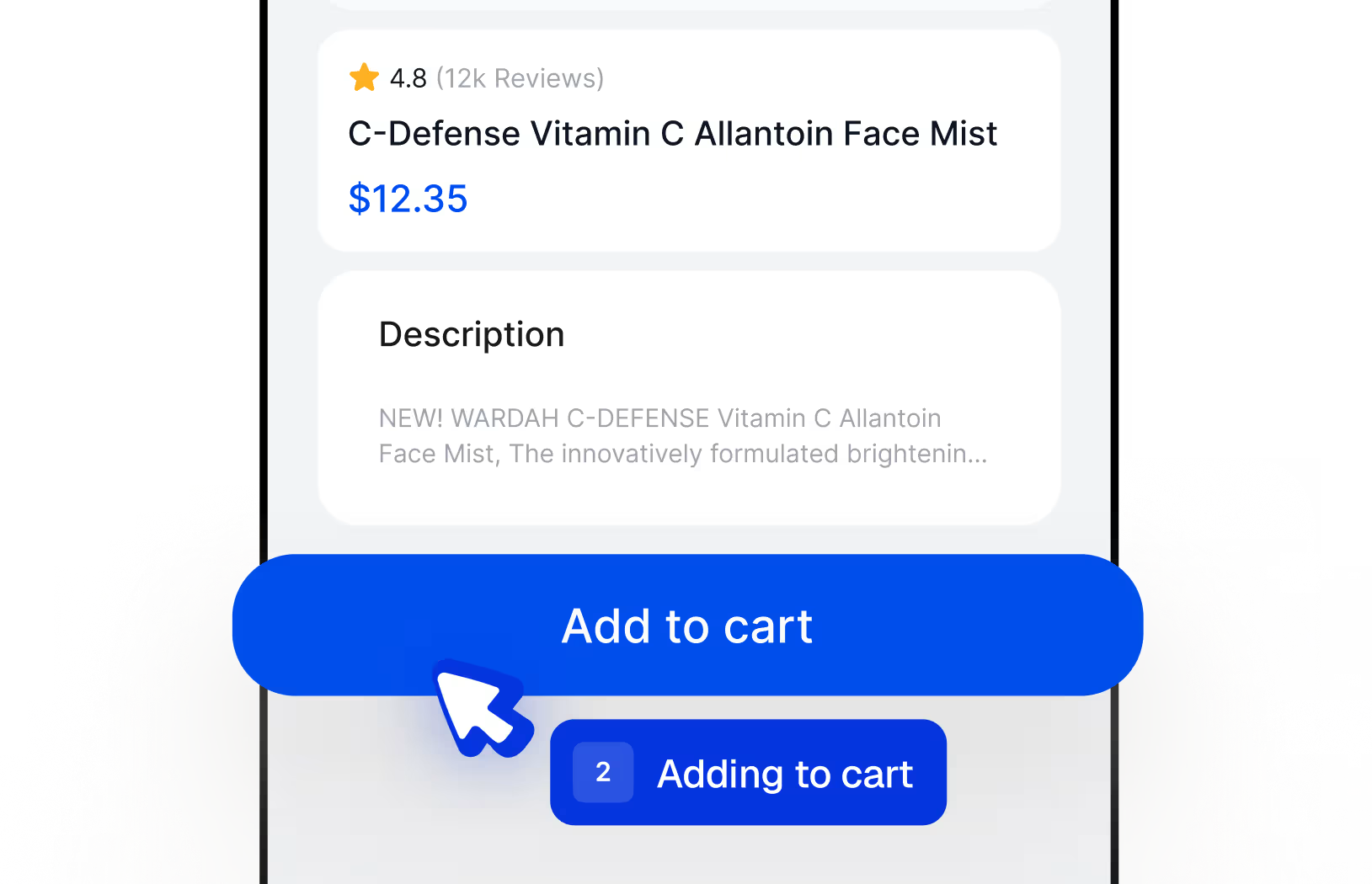
Make & assert API calls in test setup to verify backends and link UI with services.
Network-log agent
A dedicated agent monitors API traffic during tests, flagging failures.
Bug classification
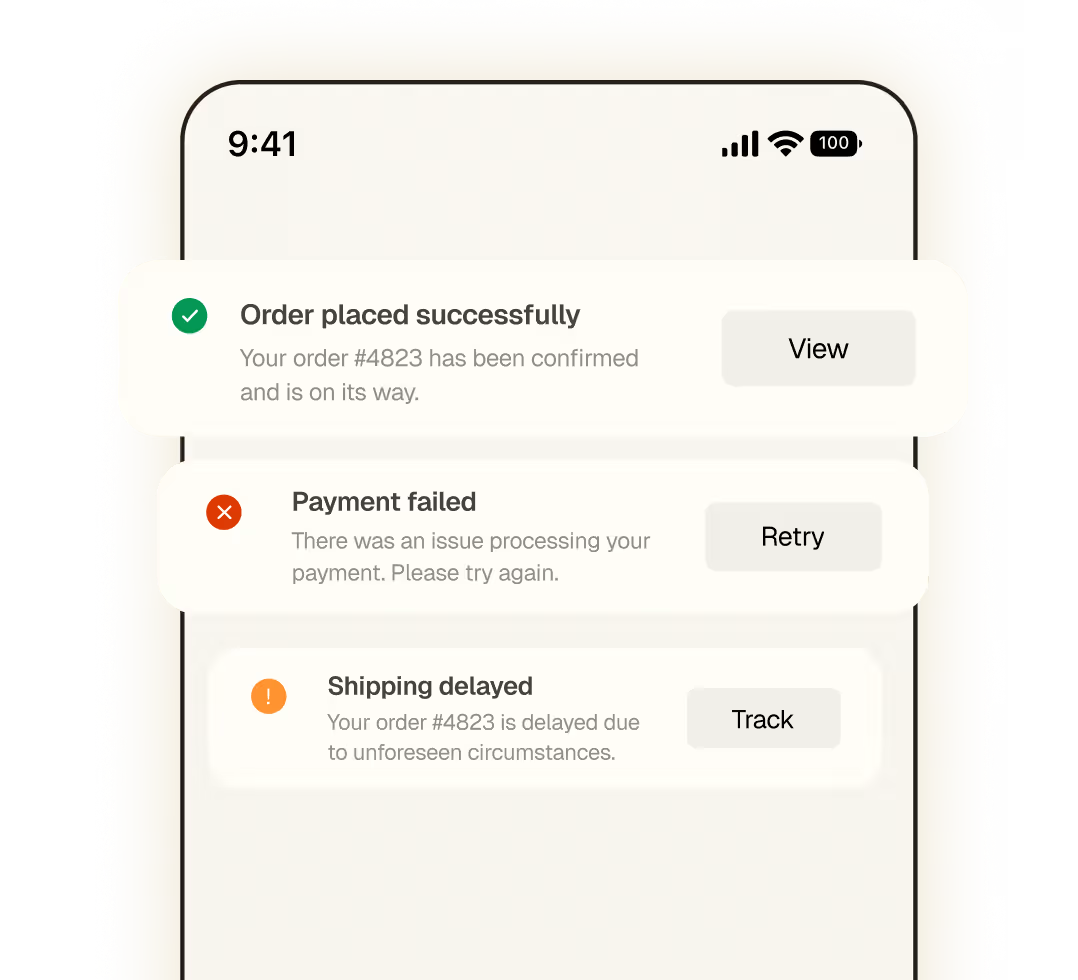
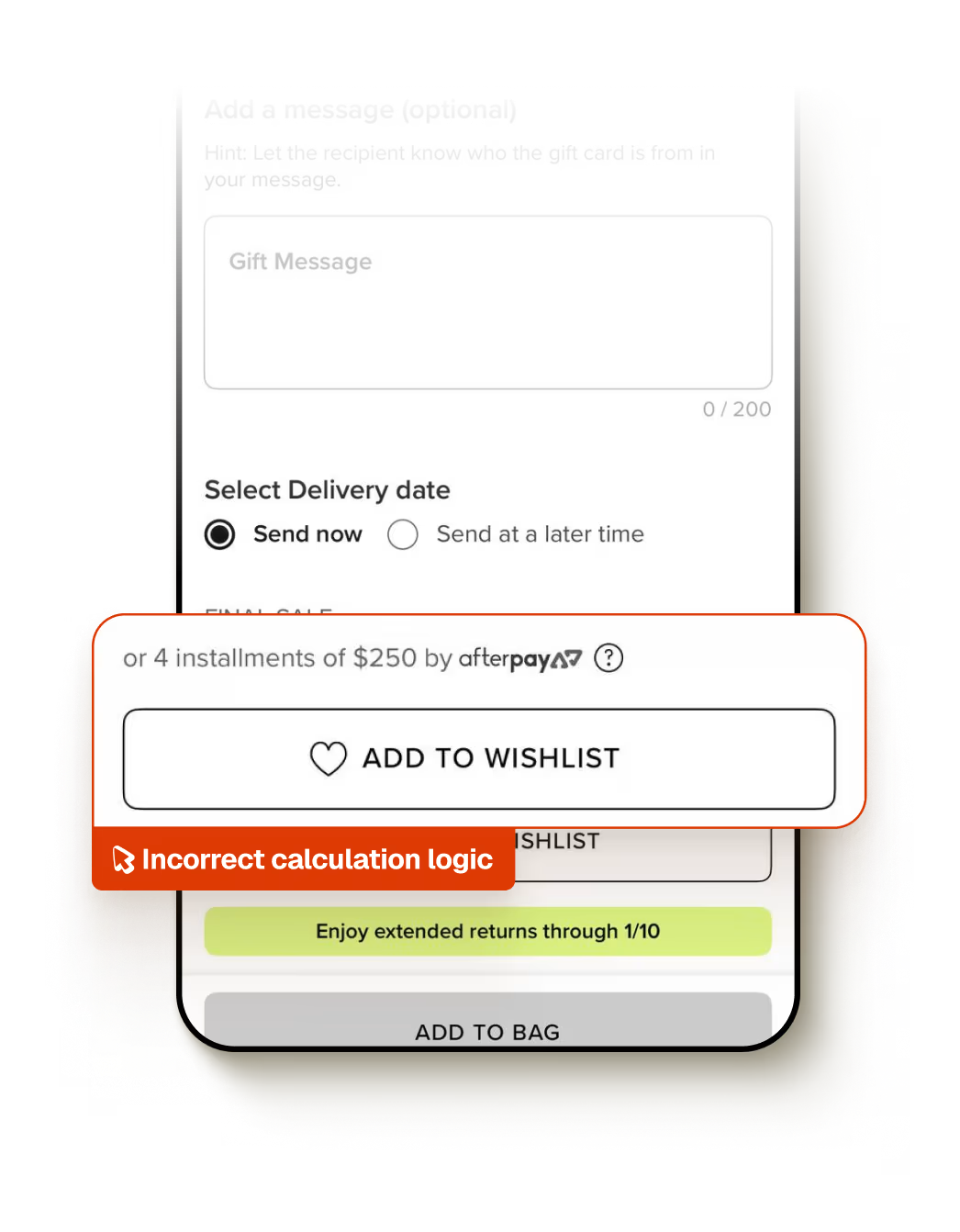
Failures auto-classified so you see what broke without manual triage.







Did we miss a question?
Email us directly
Upload your iOS (.ipa or .app.zip) and Android (.apk) builds to Spur. That's it. No SDKs, test IDs, or instrumentation required. Spur tests your app as a finished build, the same way a real user would. You can start writing tests in plain English within minutes.
No. Spur tests your app as a black box, uploading your compiled binaries is all you need. Nothing to wire into your repository, and zero access to your codebase required.
Tests are written in plain English describing user intent ("add a product to cart"). Most teams write their first test in under 5 minutes. No selectors, no per-platform scripts, no syntax to learn. If you can describe what a user does, you can write a test.
iOS: iPhone 15, 16, 17 families; iPhone SE; iPad Pro, Air, and mini. Android: Pixel 4a, 4 XL, 5, 6, 7, 8 Pro. Tests run on the latest stable OS versions plus the prior major version. Need a specific older OS? We can add it, just ask.
Tests run on cloud-hosted iOS Simulators and Android Emulators. iOS builds must be Simulator builds. This keeps runs consistent, repeatable, and easy to scale, no physical device lab to maintain.
Yes. One test, every device, every OS. Write once in plain English, and Spur automatically adapts to handle platform-specific gestures, layouts, and interactions. You get comprehensive coverage with half the suite.
We support iPad Pro, Air, and mini on iOS. For Android, we focus on phones, but tablet support is coming soon.
Tests scale easily across your cloud device fleet. iOS and Android run independently, so you can parallelize within each platform. Most teams run hundreds of tests overnight without hitting any concurrency limits.
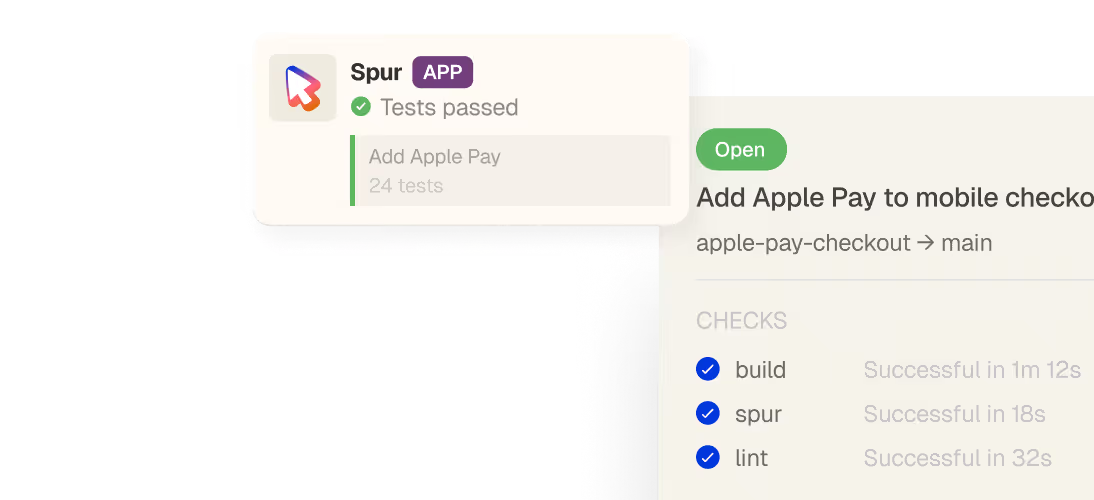
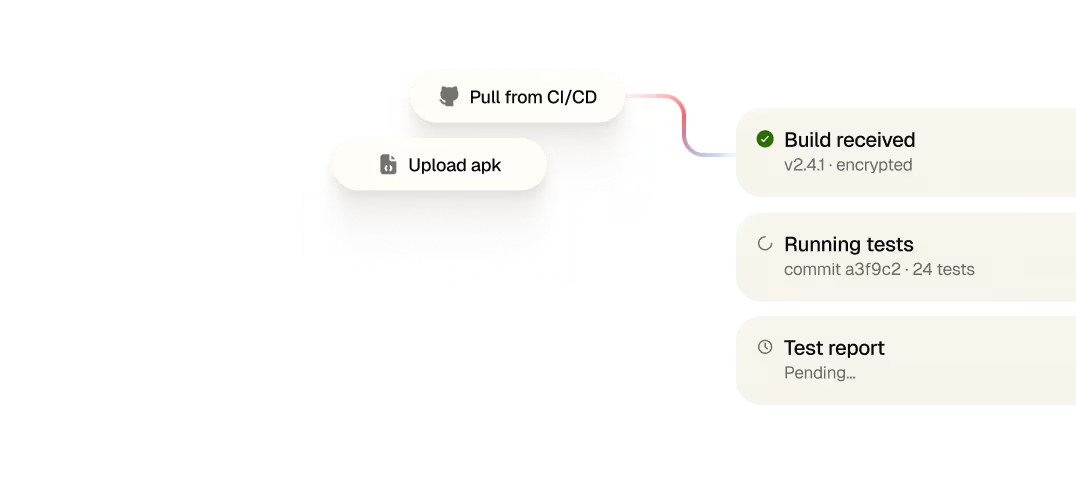
Spur integrates with GitHub Actions (native), GitLab CI/CD (native), and any other provider (Jenkins, CircleCI, etc.) via webhook. Tests run on every pull or merge request and can block merges when something breaks. Results are available within 5–15 minutes depending on suite size.
Yes. Tests run in parallel with separate concurrency queues for iOS and Android. Most teams parallelize across device types and OS versions, so a 200-test suite can finish in 20 minutes instead of hours.
Spur follows industry-standard security practices: end-to-end encryption for build uploads, compliance with SOC 2 Type II, and no data storage between test runs. Your app builds and test results are isolated per workspace and never shared. Check our Security Protocol for full details.
Yes. Spur's device cloud can connect to private VPNs, and you can test against staging, pre-prod, or production environments. Configure your network at the workspace level.
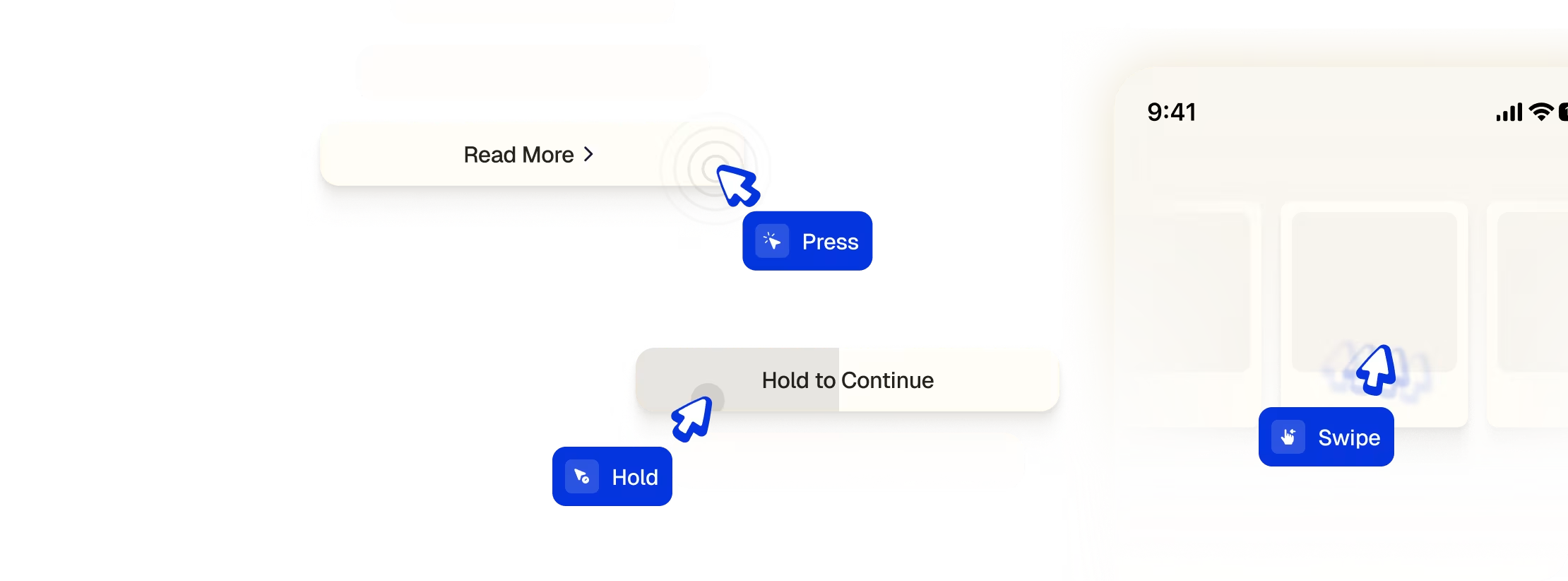
Yes. Spur natively supports tap, swipe, long-press, pinch-to-zoom, drag-and-drop, and more. These are real device gestures, not simulated clicks, they work the way your customers actually interact with your app.
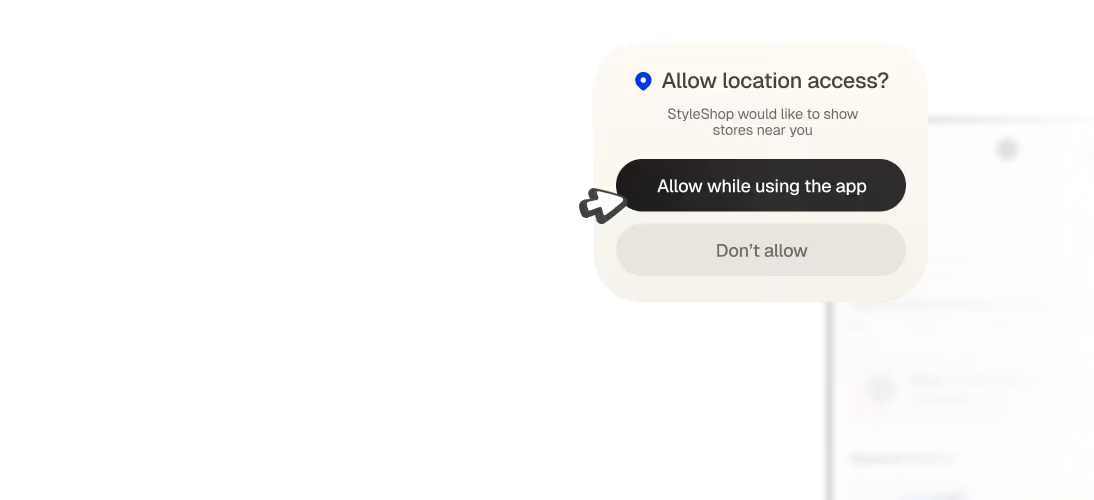
Spur's agent manages these in-the-moment. If a permission prompt appears mid-flow, the agent handles it (grant or deny) based on your test intent. Same with consent banners, interstitials, and system dialogs. The flow continues naturally without test breakage.
Yes. You can open specific screens via deep links (for example, yourapp://products/12345). This is useful for jumping straight to a screen under test and for confirming your app handles incoming links correctly. Spur can also switch between apps mid-test if your flow crosses app boundaries.
Spur waits intelligently for screens and elements to appear, you don't have to hardcode delays. You can say "scroll until the checkout button appears" and the agent handles timing. If an element takes time to load due to a network call, Spur waits without guessing at sleep times.
Yes. You can make API calls within tests to set up state (log in a user, add payment method, etc.) and then run your user flow from there. Or test the full authentication flow end-to-end. Network logs and API traffic are captured and available for debugging.
When a test fails, Spur captures a step-by-step visual replay: a screenshot of each screen next to the action taken, so you see exactly where and why the test diverged. If your app crashes, console logs are captured and flagged. You get full evidence, not a generic "test failed" message.
Because tests describe user intent rather than pointing at specific elements, a layout change usually won't break them. If a redesign happens but the user flow stays the same, tests continue to pass. Tests are designed to fail when the user story or behavior actually changes, not when the code underneath does.
Your team owns the tests and can edit them in plain English with no scripting required. Most changes are one-liners. If you add a new step to a flow, you add a sentence. If you remove a screen, you remove a step. No brittle selectors to hunt down and replace.
Every run produces a step-by-step visual replay showing each screen and the action the agent took, so you see exactly where the divergence happened. Console and network logs are captured too. That evidence is usually enough to confirm whether it's a product issue or a test that needs a small adjustment.
Intent-based tests describe what a user wants to accomplish ("verify the coupon applies correctly") rather than how to do it. Spur figures out the steps and adapts when the layout changes. Traditional scripts are brittle, they break if you move a button. Intent-based tests stay stable through redesigns and device variations.
You can run tests against different feature flag combinations or A/B variants. Make API calls in test setup to toggle flags or configure the app state, then run your flow. This lets you validate new features before rollout and catch flag-related bugs.
You can write direct API calls into your test setup to verify backends and link UI with services. Or use Spur's network-log agent, which monitors API traffic during tests and flags failures like timeouts or 5xx errors. This gives you visibility into the full stack, not just the UI.
Pricing is based on test runs and concurrent device slots. Most teams start small (a few tests, a few runs per week) and scale up. We offer volume discounts and tiered pricing. Calculate your ROI and pricing based on your test volume and release cadence.
Most e-commerce and fintech teams see ROI within 3–6 months through faster releases, fewer production bugs, and reduced manual QA overhead. You're cutting release cycles from weekly to daily while improving quality. Check our ROI Calculator and Buyers Guide for industry benchmarks.
Spur doesn't replace QA engineers, it frees them from repetitive manual testing so they can focus on exploratory testing, edge cases, and strategic quality work. Most teams use Spur to scale their existing team without proportional headcount growth.
Yes. Our Localization Agent tests your app in multiple languages and locales, catching bugs like text overflow, unsupported characters, RTL issues, and missing translations in a single run.
Spur identifies all UI elements visually, similar to how screen readers work. We're actively expanding a11y-specific testing, reach out if this is a priority for your team.
Spur can wait for in-app notifications and interact with them (for example, tap a push notification to open a screen). For live feeds, you can validate that new content appears by scrolling and checking for expected elements. WebSocket-driven features are supported; Spur waits for updates the same way a user would.
Yes. Run the same test across different device sizes (iPhone SE vs. iPhone 17 Pro) to catch responsive design issues. Rotation and dark mode testing are on the roadmap, let us know if these are critical for your app.
Spur includes email support for all plans, with response times typically under 24 hours. Enterprise customers get dedicated support, weekly check-ins, and a Slack channel. Our Bug Book and guides cover common scenarios.
Absolutely. Book a demo to see Spur in action on your app and build your first test together. Most pilots take 2–4 weeks, you upload your build, we help you author tests, and you see the results firsthand.
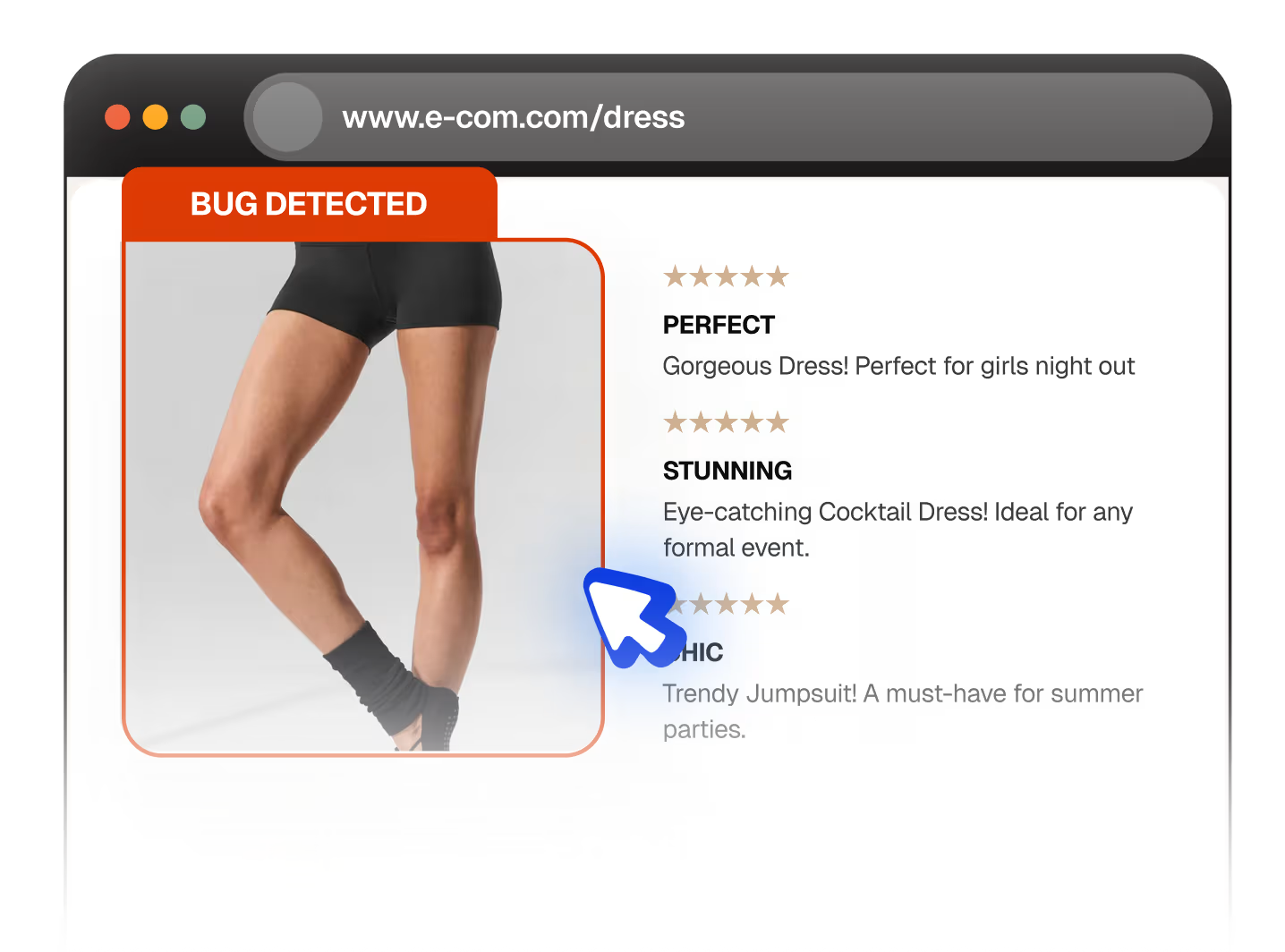
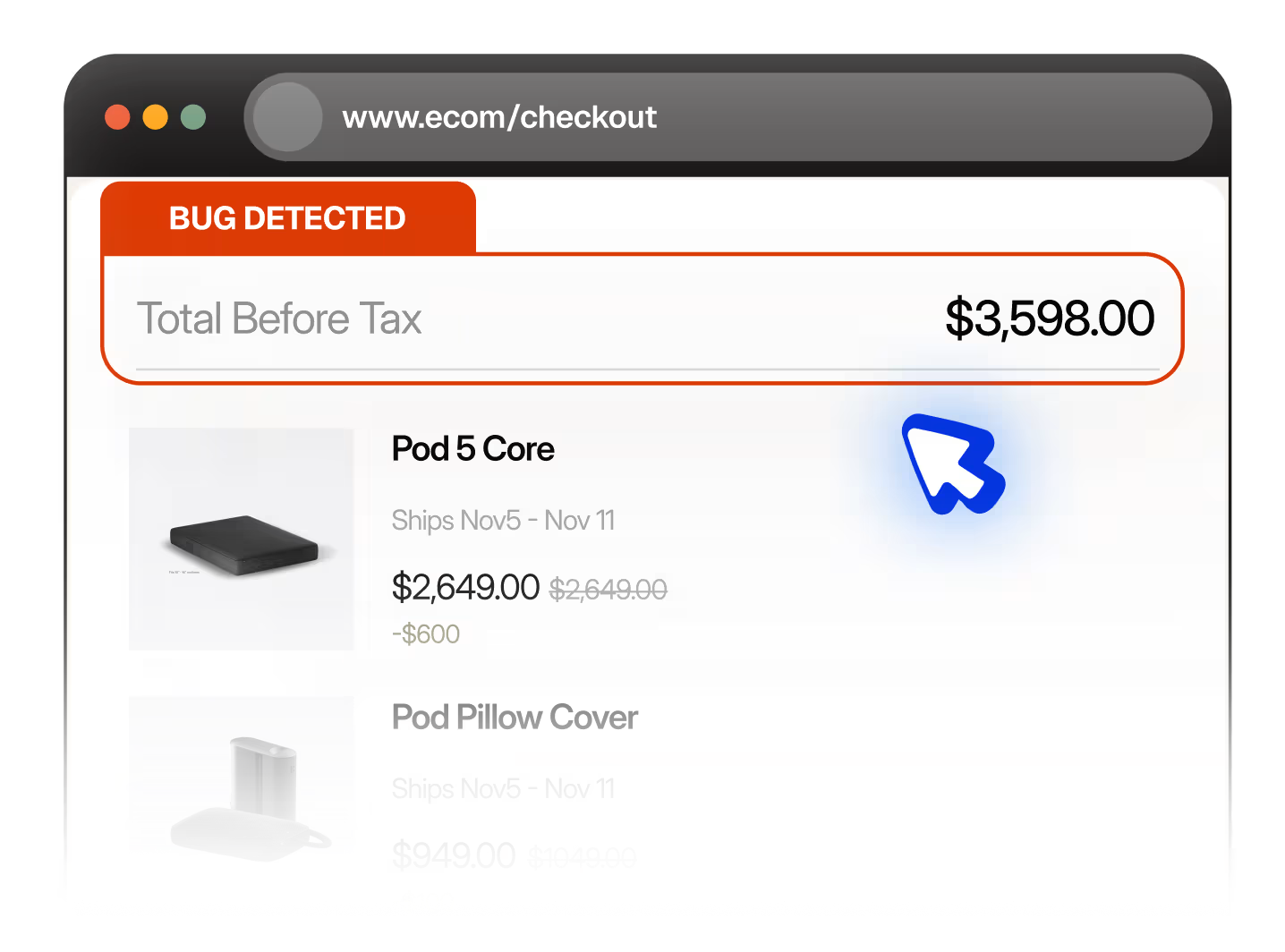
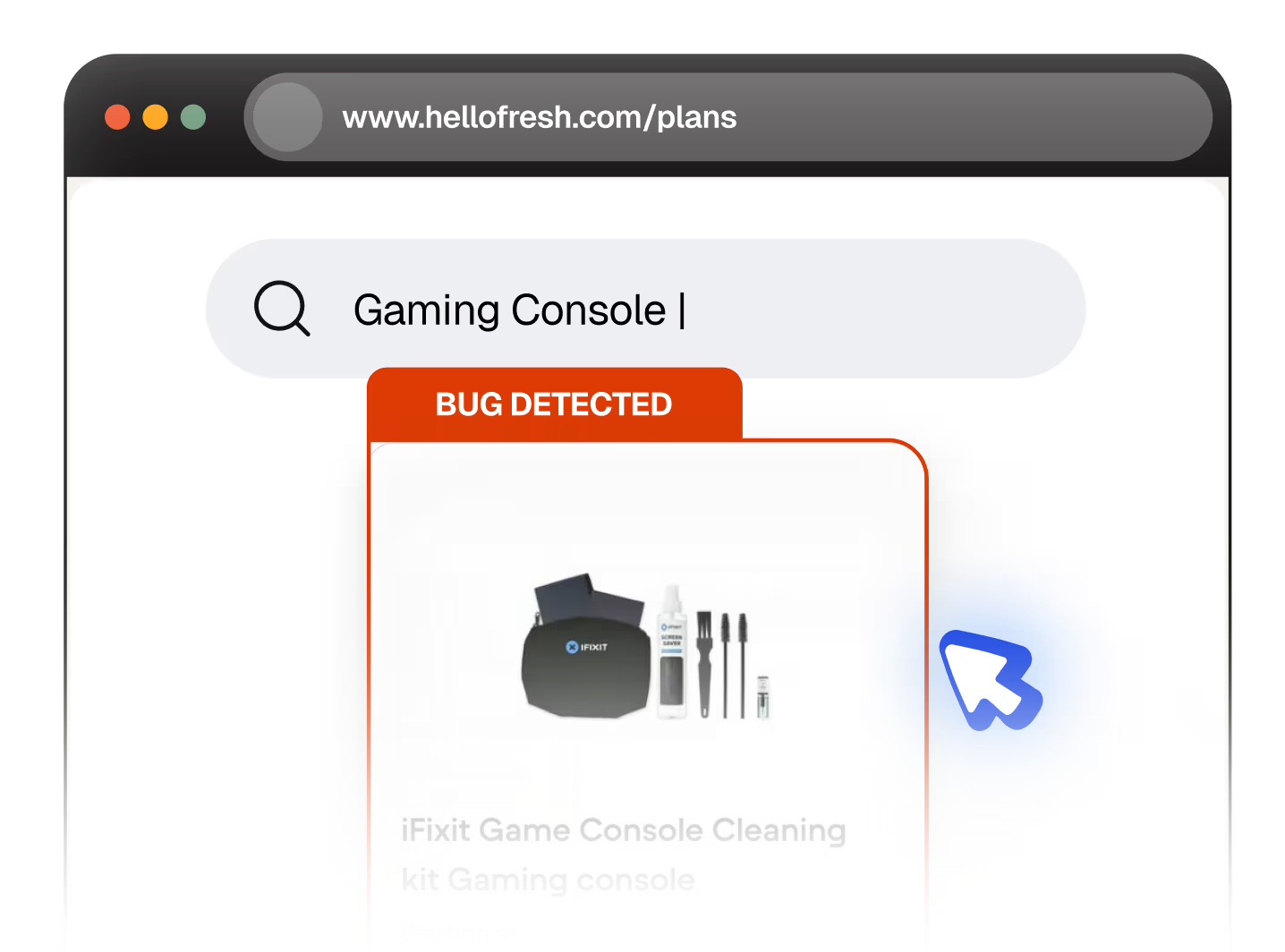
Check our Bug Book for real bugs we've caught in production apps (Alo, Eight Sleep, UncommonGoods, etc.). Each entry shows the test intent, what it caught, and how it failed, giving you a sense of what Spur can do.
Spur releases updates quarterly and regularly adds support for new iOS and Android versions before they're widely adopted. Tests are resilient to OS updates because they don't rely on selectors or internal APIs. When Apple or Google releases a new iOS or Android version, tests usually run unchanged.
No. Spur integrates into your CI/CD and tests run in parallel, so you get faster feedback without longer pipelines. Most teams see 20–30% faster release cycles once fully ramped.
Most concerns evaporate after the first live demo. Seeing Spur read your UI, make decisions, and catch real bugs in real time changes minds. We offer free pilots so your team can try it risk-free.
No. Traditional tools require brittle selectors that break with every redesign. Spur uses vision and intent, so tests stay stable through changes. It's more like hiring a QA engineer who reads the screen and adapts, not programming a robot to find coordinates.

