

Spur caught the AI chatbot replying in English instead of French

What this run
has verified.

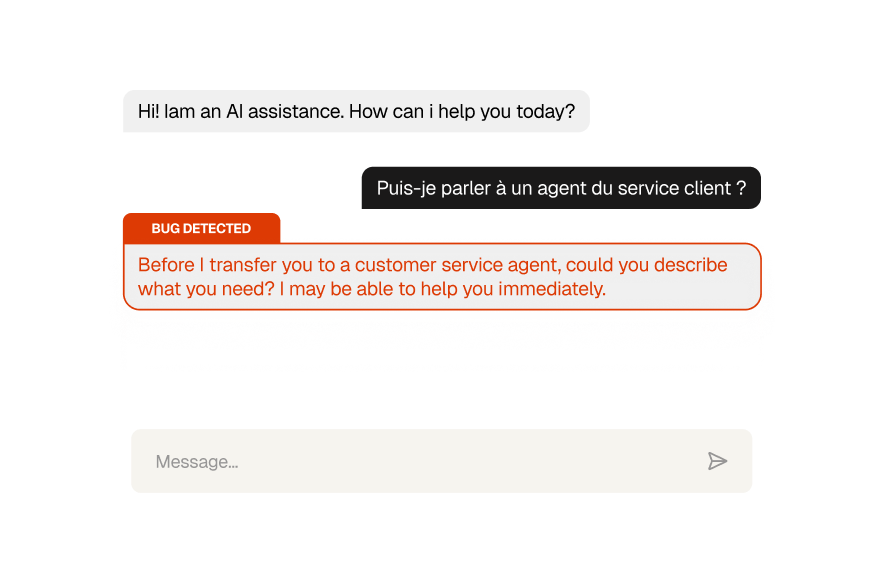
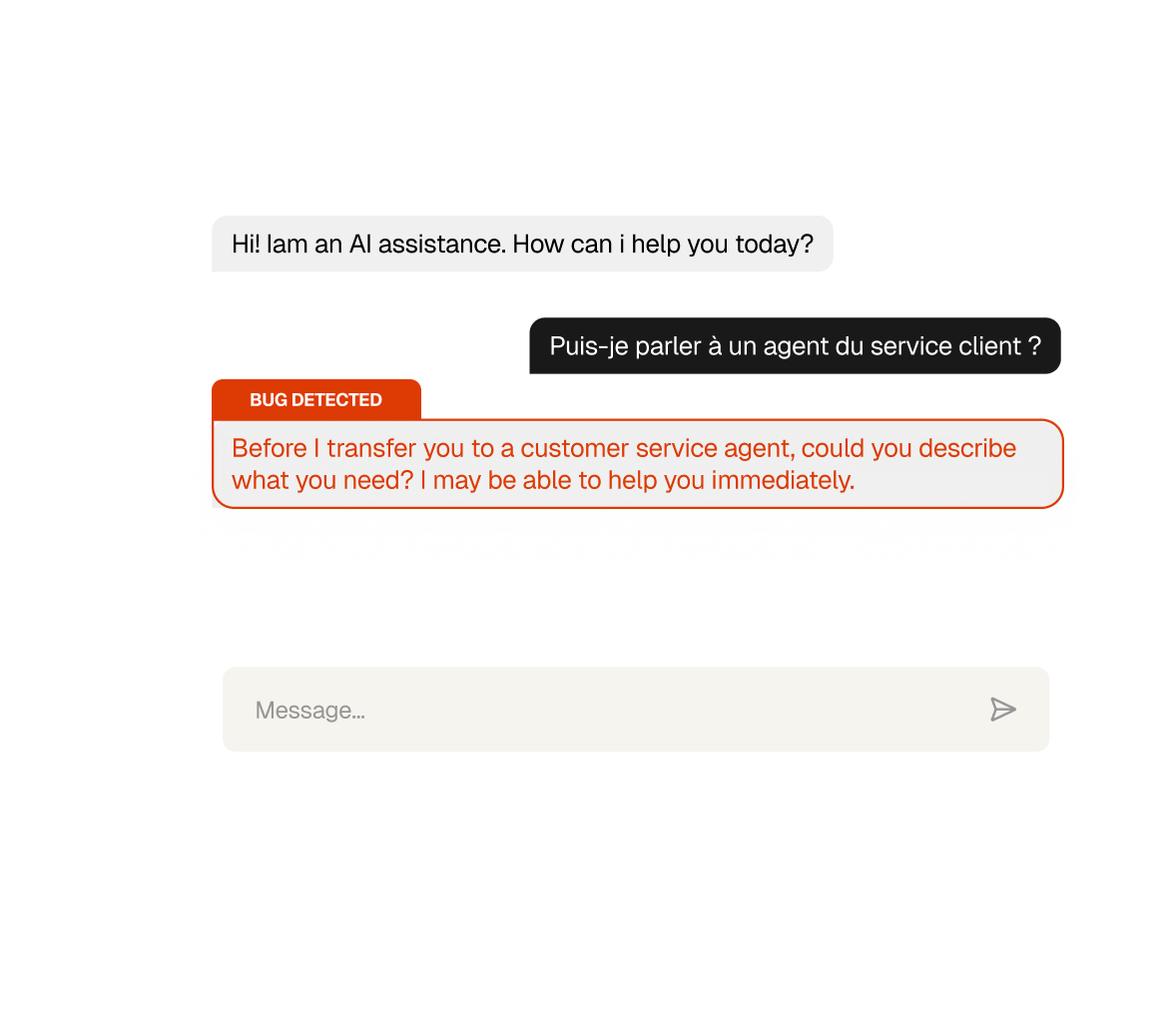
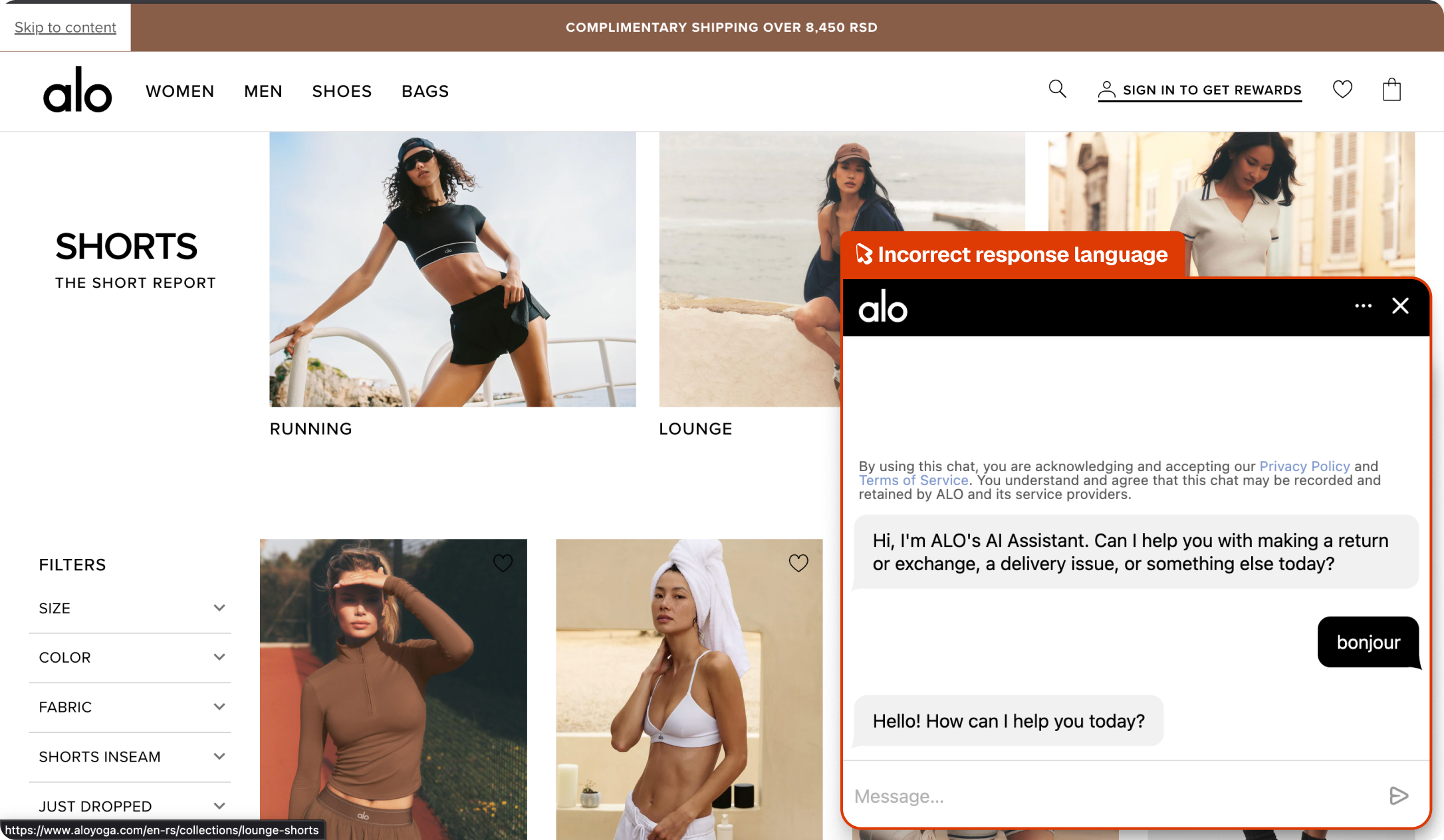
Spur's AI Feature Testing agent opened the chatbot, sent a message in French, and checked whether the response came back in the same language. It didn't, the chatbot replied in English.
Language detection
The chatbot identifying and matching the language of the user's message.
Response accuracy
Chat replies coming back in the same language the customer wrote in.
Localisation
The AI feature behaving correctly across all supported languages.
Customer experience
French-speaking users getting a response they can actually read.
Compare
The customer's live site,

captured by

Spur
during the run.


What this
one catch saved.
5hrs
Dev time saved
Shipped, this is a subtle one to reproduce: you need to test the chatbot in multiple languages and notice it's not mirroring back. That's a few hours of debugging the language detection layer in the AI integration.
Undermined
Customer experience
French-speaking customers hitting a chatbot that ignores their language and replies in English get a clear signal: this product wasn't built with them in mind.
3hrs
Manual QA time
Finding this manually means opening the chat in each supported language and reading responses carefully enough to catch the mismatch, easy to skip if you're only testing the happy path in English.
The actual test
in

Language Mismatch
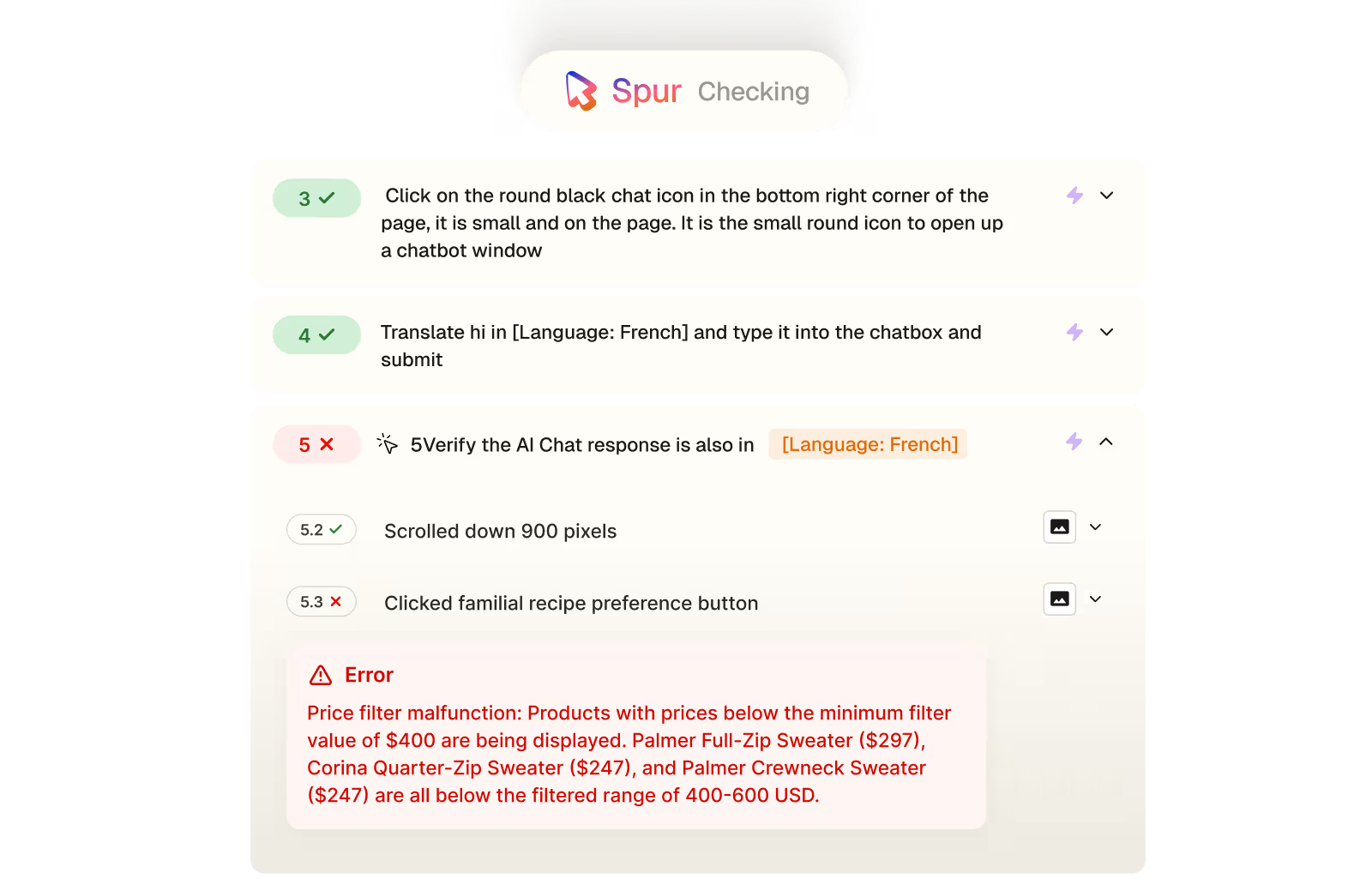
A 5-step AI feature test on a workout brand's site. Spur opened the chat widget, typed a greeting in French, and verified the response language matched. It didn't, the chatbot replied in English despite being addressed in French.
Wait for the page to load
If there's any cookie banners present at the bottom of the page, click on "Accept"
Click on the round black chat icon in the bottom right corner of the page, it is small and on the page. It is the small round icon to open up a chatbot window
Translate hi in {review_summary} and type it into the chatbox and submit
Verify the AI Chat response is also in [Language: French]
Answer is in English

Accessibility


Payment
.avif)
Checkout
.avif)
UI/UX
.avif)
Pricing
Interactions
Checkout