
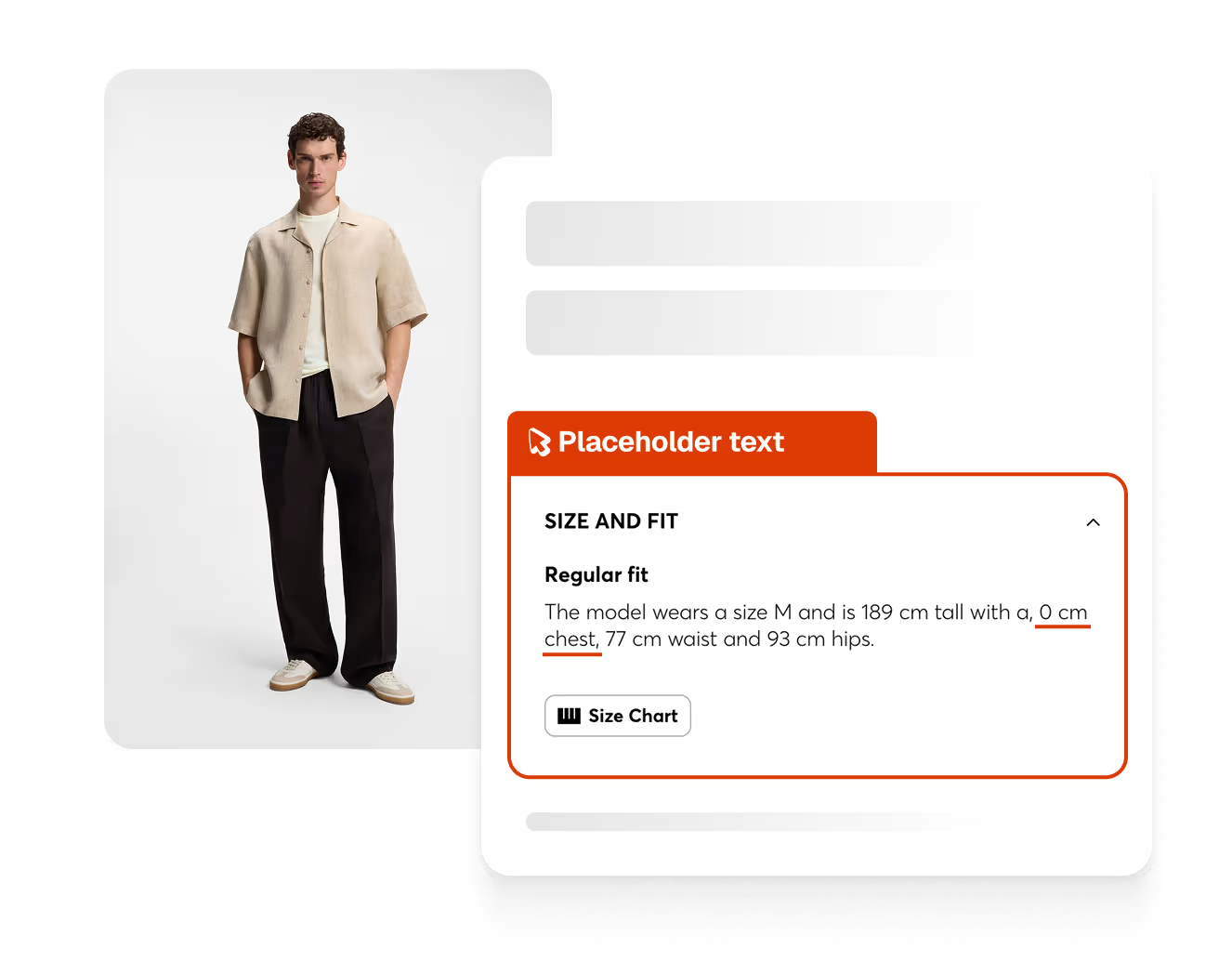
Spur caught a missing chest measurement rendering as "0"" in the Size and Fit section


What this run
has verified.

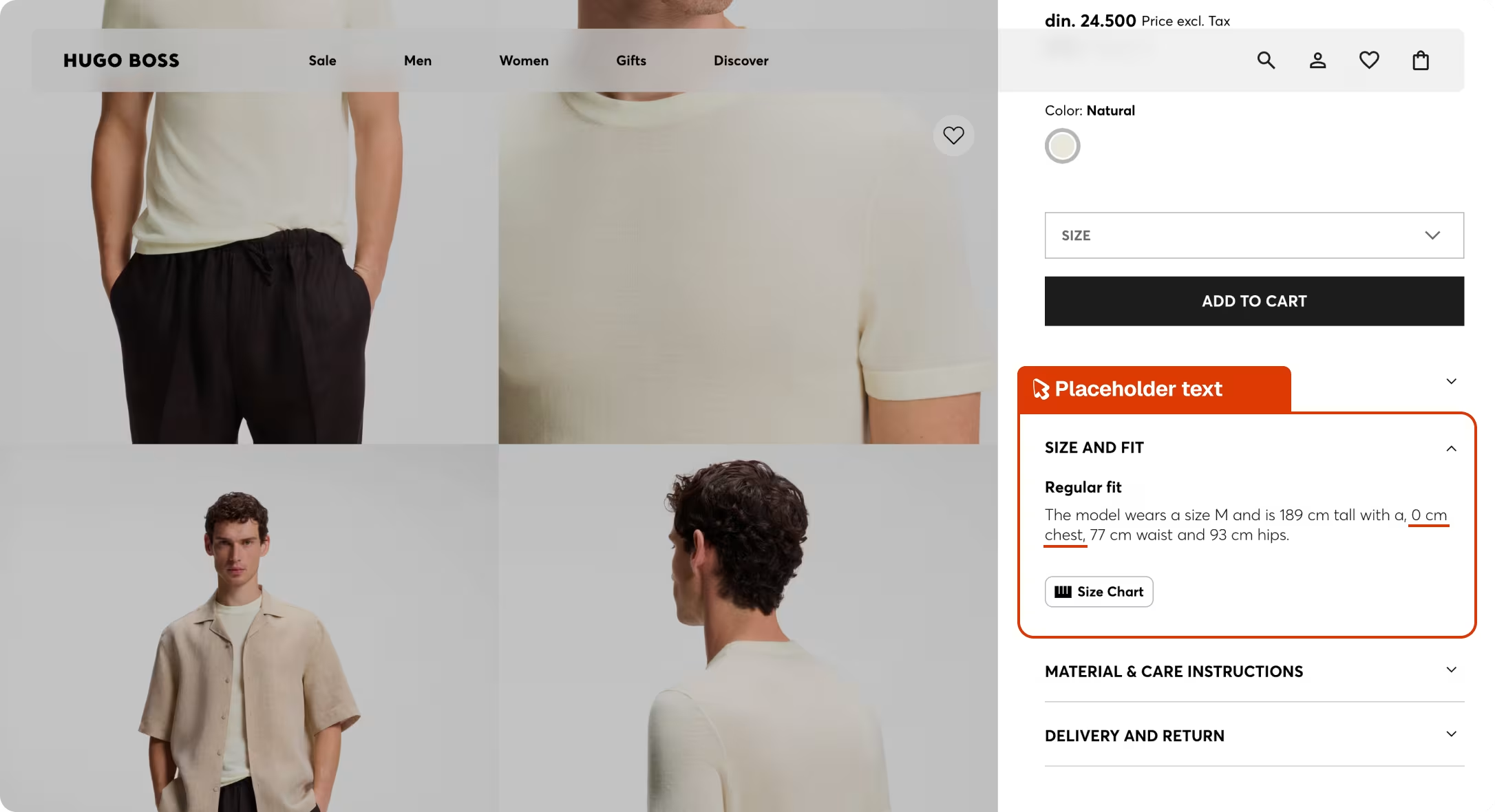
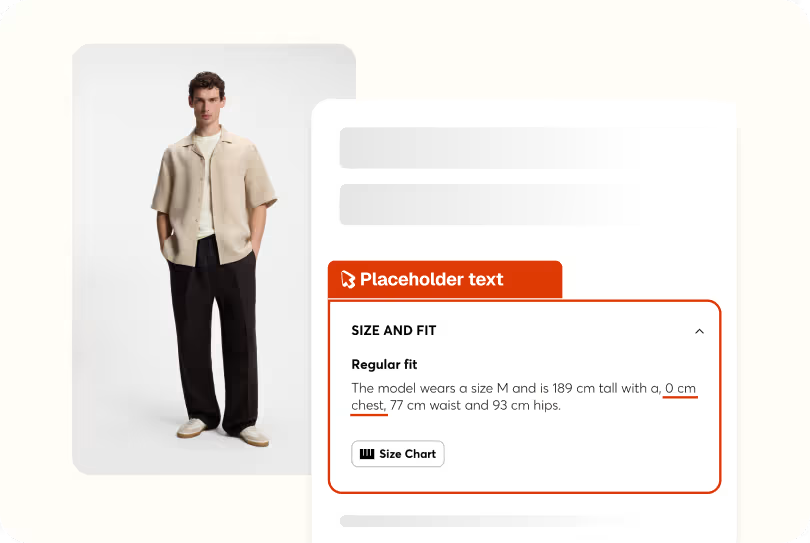
Spur's Exploratory agent ran a full product detail page validation on the site, checking language, pricing, color variants, and all product info sections in English. When it expanded the Size and Fit accordion, it flagged that the chest measurement was displaying as "0"", a clear data formatting error.

Data accuracy
Model measurements in the Size and Fit section populated with real values.
Size guide integrity
Shoppers able to use the real fit information on the page.
Content completeness
All measurement fields rendering correctly across products.
Page polish
No visible formatting issues in customer-facing information.
Compare
The customer's live site,

captured by

Spur
during the run.

The Size and Fit accordion on the Relaxed-Fit Soccer T-Shirt page renders the model's chest measurement as 0", a placeholder value that was never populated with a real number.
What this
one catch saved.
3hrs
Dev time saved
Shipped, this is the kind of content data error that surfaces through customer feedback or an accessibility audit. Someone has to trace where measurement is being pulled from and identify why it's rendering as zero.
Unreliable
User experience
A shopper who opens the size guide to check their fit and sees "0" chest" has no usable information. They either guess and risk a return, or leave and buy somewhere that gives them the data.
2hrs
Manual QA time
Catching this manually means opening the Size and Fit accordion and reading the model measurements carefully enough to notice that one of the values is clearly wrong.
The actual test
in

Placeholder text
A 9-step product detail page validation across the men's and women's clothing categories. Spur verified the correct brand and locale loaded, navigated through multiple PLPs, clicked into a product, checked all accordions for English content, tested all color swatches, and confirmed regional consistency across the site. Everything passed and the broken chest measurement in the size guide was caught along the way.
Redirect to:From scenario table column: [URL:https://www.brandwebsite.com/us/hugo/]
Check that the site has loaded the correct [Brand:Brand] brand page for [Country:USA], verify the URL contains the expected brand and country segment, and that the page is displayed in [Language:English] with prices in [Currency:USD], flag any untranslated or English-language text when [Language:English] is not English
Navigate to the first Product Listing Page (PLP) — e.g. a main clothing or menswear category — and scroll until a product that is not out of stock and has multiple color swatches is visible
Check that the PLP product cards show product names, prices in [Currency:USD], and labels (e.g. 'New', 'Sale', filters, sorting options) in [Language:English], flag any untranslated strings, incorrect currency symbols, or placeholder text. Click on a random product.
Check that the PDP displays the product name matching the name on the PLP, the price matching the price on PLP in [Currency:USD], and all descriptive text, size guides, care instructions, and labels are in [Language:English], flag any untranslated content
In the Size and Fit section, the model measurements text reads: "The model wears a size M and is 6'2" tall with a, 0" chest, 30" waist and 35" hips." The chest measurement shows as "0"" which appears to be a missing or incorrectly populated data value — a real user would notice this as an obvious data error/placeholder.
Select each available color swatch on the PDP and check that the product image updates to match the selected color and that the color name label is displayed in [Language:English]
Navigate to a second PLP (e.g. womenswear, accessories, or another main category) and scroll until a product that is not out of stock and has multiple color swatches is visible
Navigate to a third PLP (e.g. shoes, bags, or a sale category) and verify the same currency and language consistency — flag any broken layouts, untranslated category names, or filter labels still in English
Check the overall regional consistency across all PLPs and PDPs visited: all prices shown in [Currency:USD] with the correct symbol, all UI text in [Language:English], no broken or placeholder translations, and no layouts that appear incomplete for the [Country:USA] locale

Copy


Site Merchandising
Site Merchandising
Checkout Interactions
Accessibility
Payment
.avif)
Checkout
.avif)