Accessibility Testing

Other tools find accessibility issues while Spur fixes them

Spur's agents move through your site the way customers do: signing in, filling the cart, opening pop-ups, hitting errors. They catch the accessibility failures a page scan never reaches, then open the fix as a pull request.
Book a mobile QA walkthrough

Validated by hand.

Shipped with gaps.

Most accessibility tools load a page, grade what they see, and hand you a list. The screens customers actually struggle with never get tested, and the list rarely turns into fixes.

Scanners miss so much

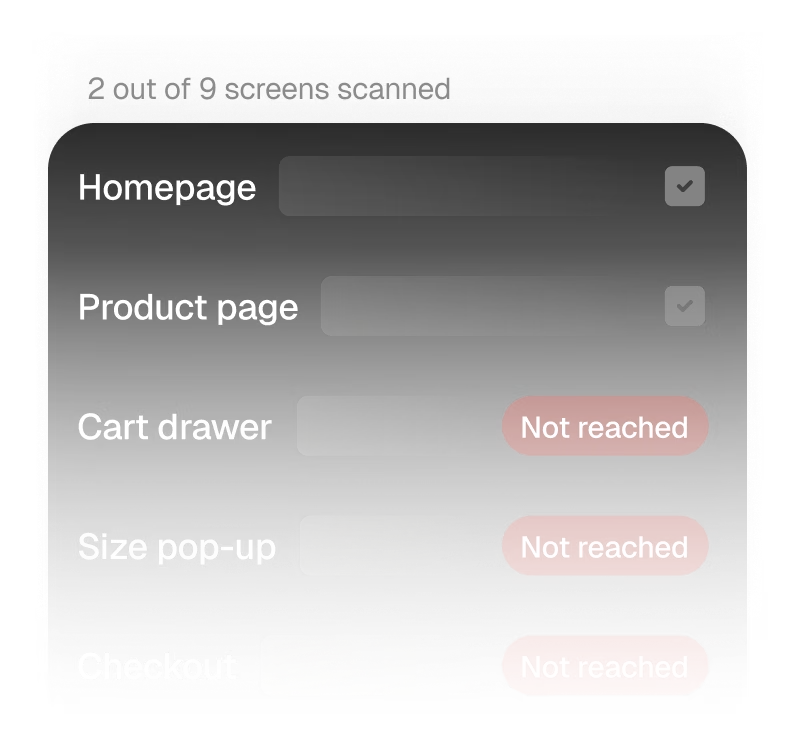
A page scan loads a URL, signed out. Carts, pop-ups, menus and checkout errors are never reached.

Audits go stale fast

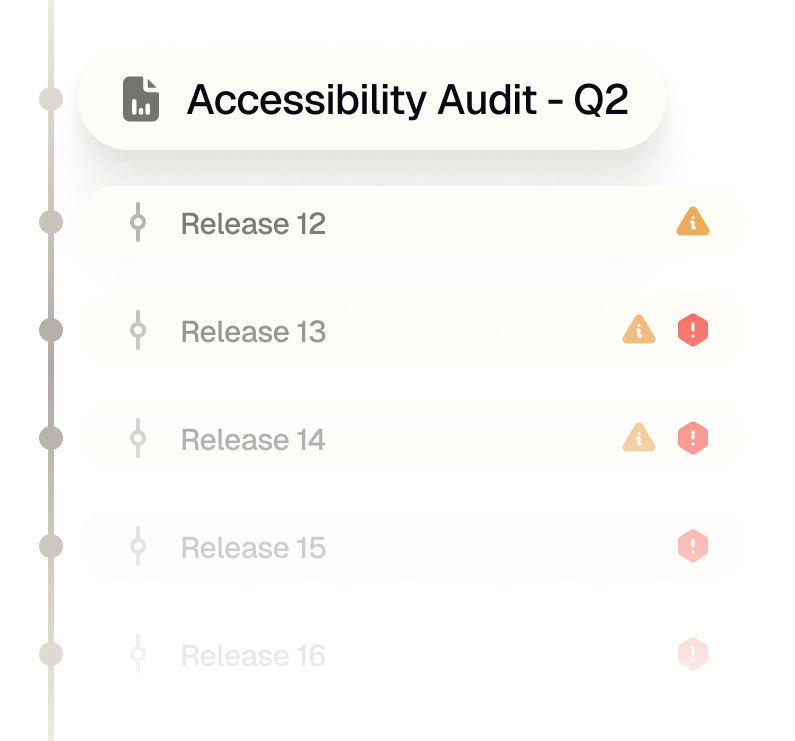
A report from last quarter doesn't know about any release since. Whatever broke in between goes unnoticed.

A list isn't a fix

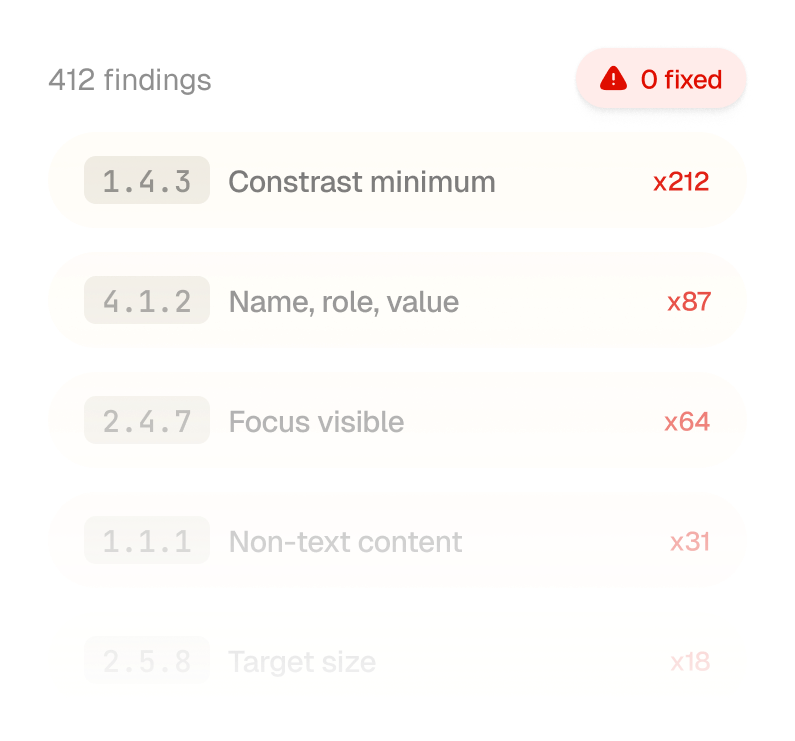
Hundreds of rule codes land on a developer who didn't build the page and has to work out which ones matter.

Revenue on the line

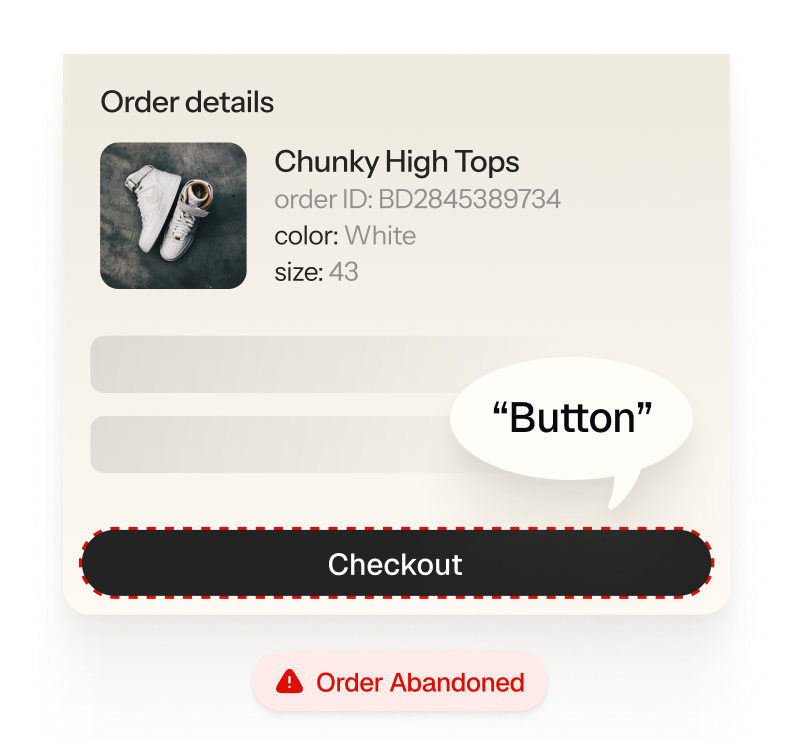
A customer who can't get through checkout can't buy, and an inaccessible site is legal exposure.

Three simple steps.

No code required.

01
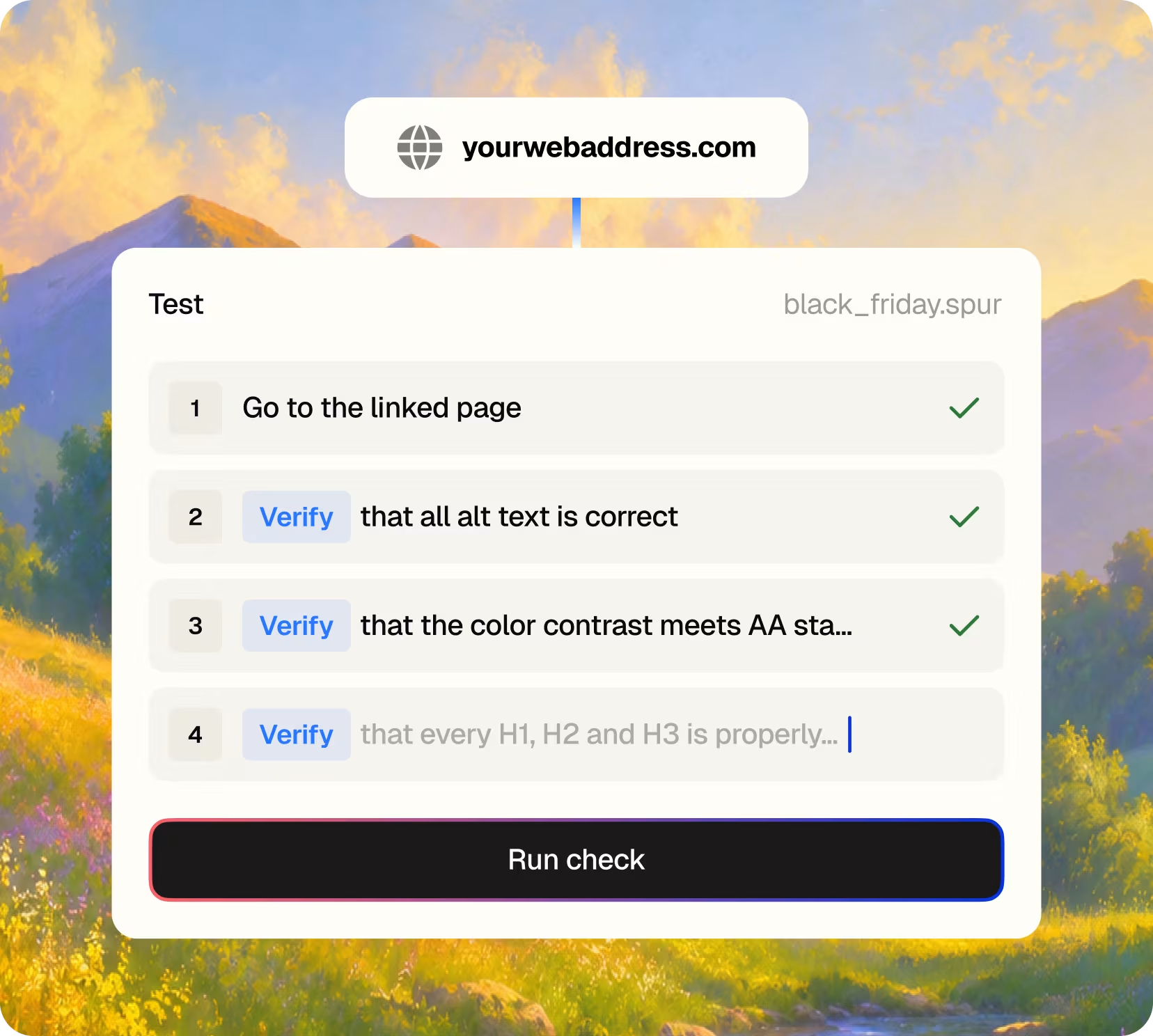
Give Spur a web address
Add a test login if you need pages behind sign-in. There's nothing to install and no tests to write.

02
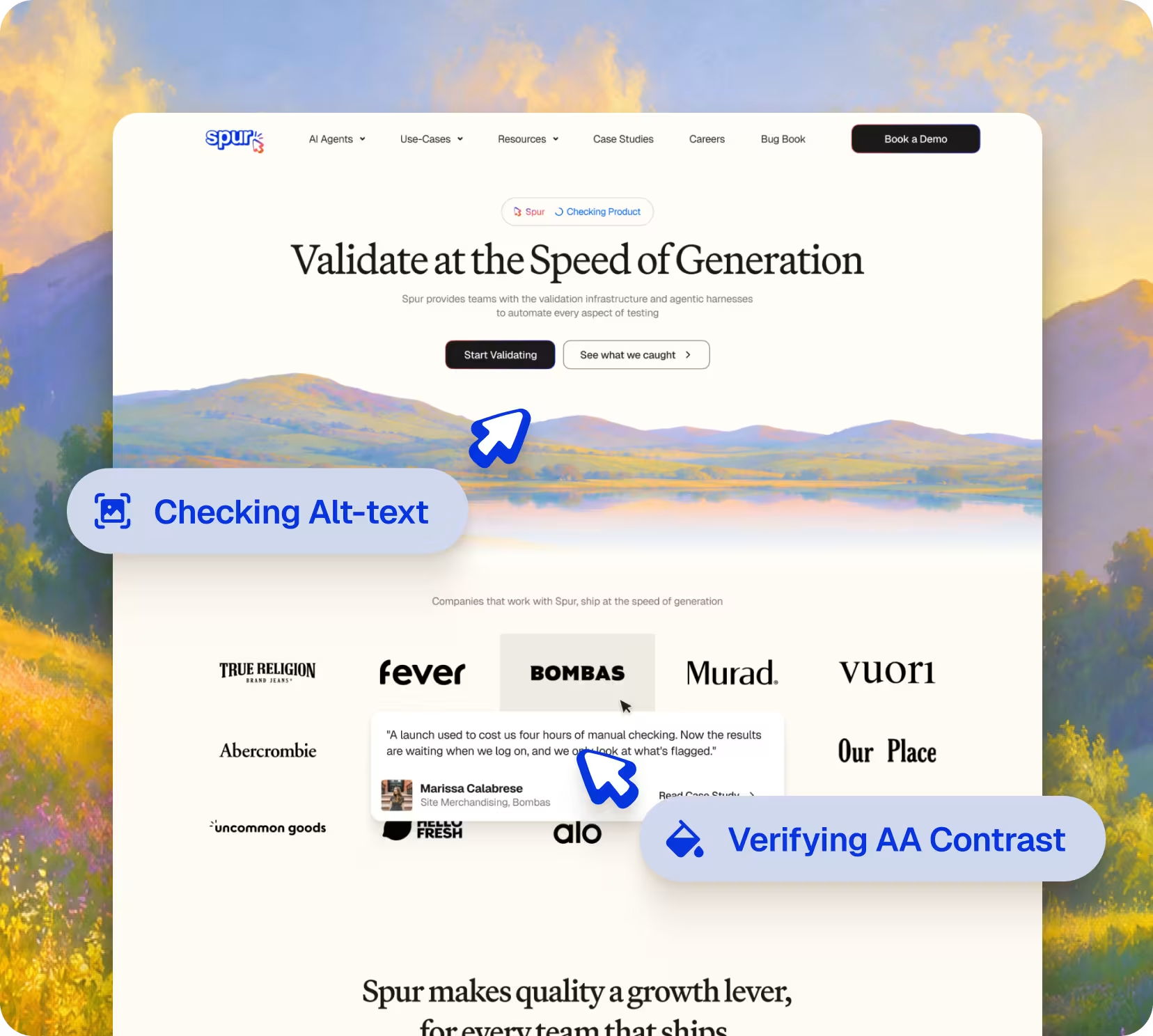
It tests like your customers do
Spur's agents browse, open menus and pop-ups, add to cart and move through checkout, checking every screen against WCAG as they go.
03
Review the fix
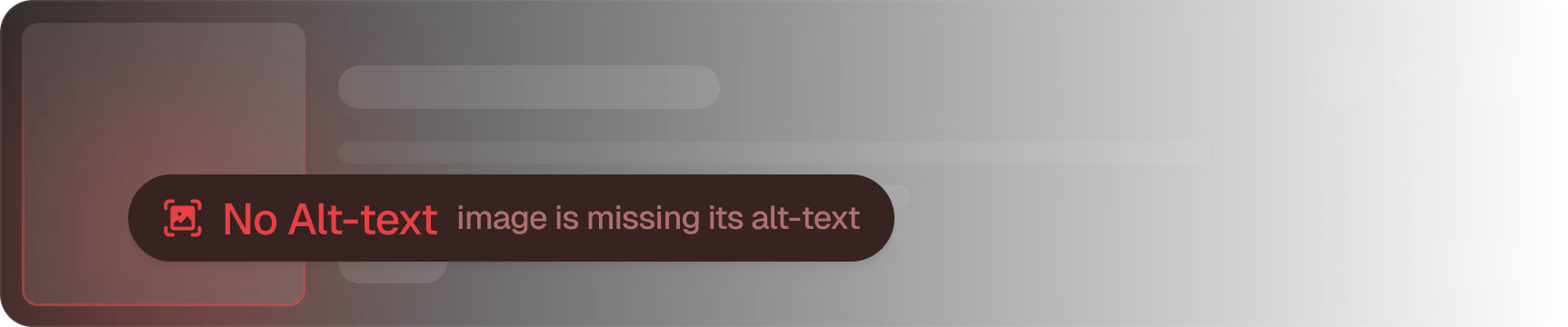
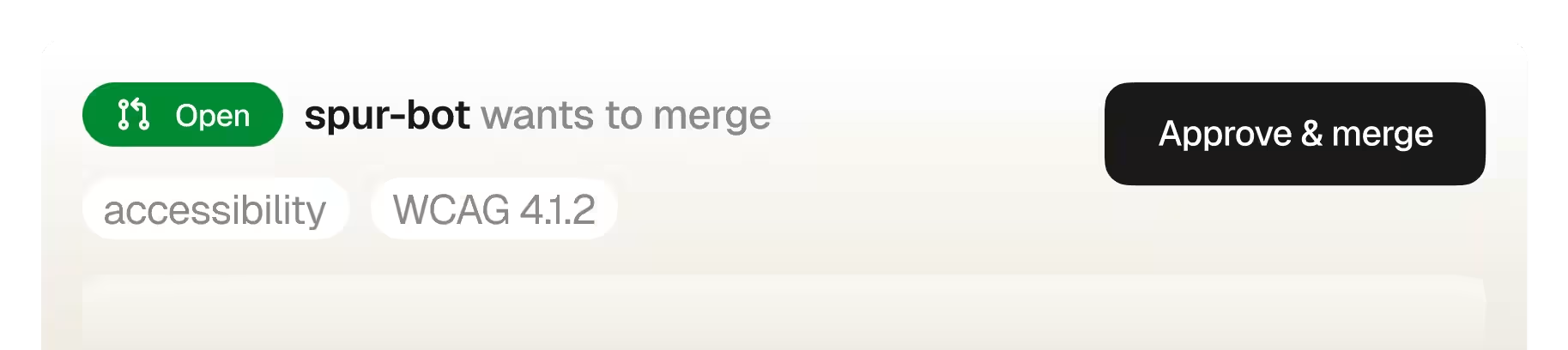
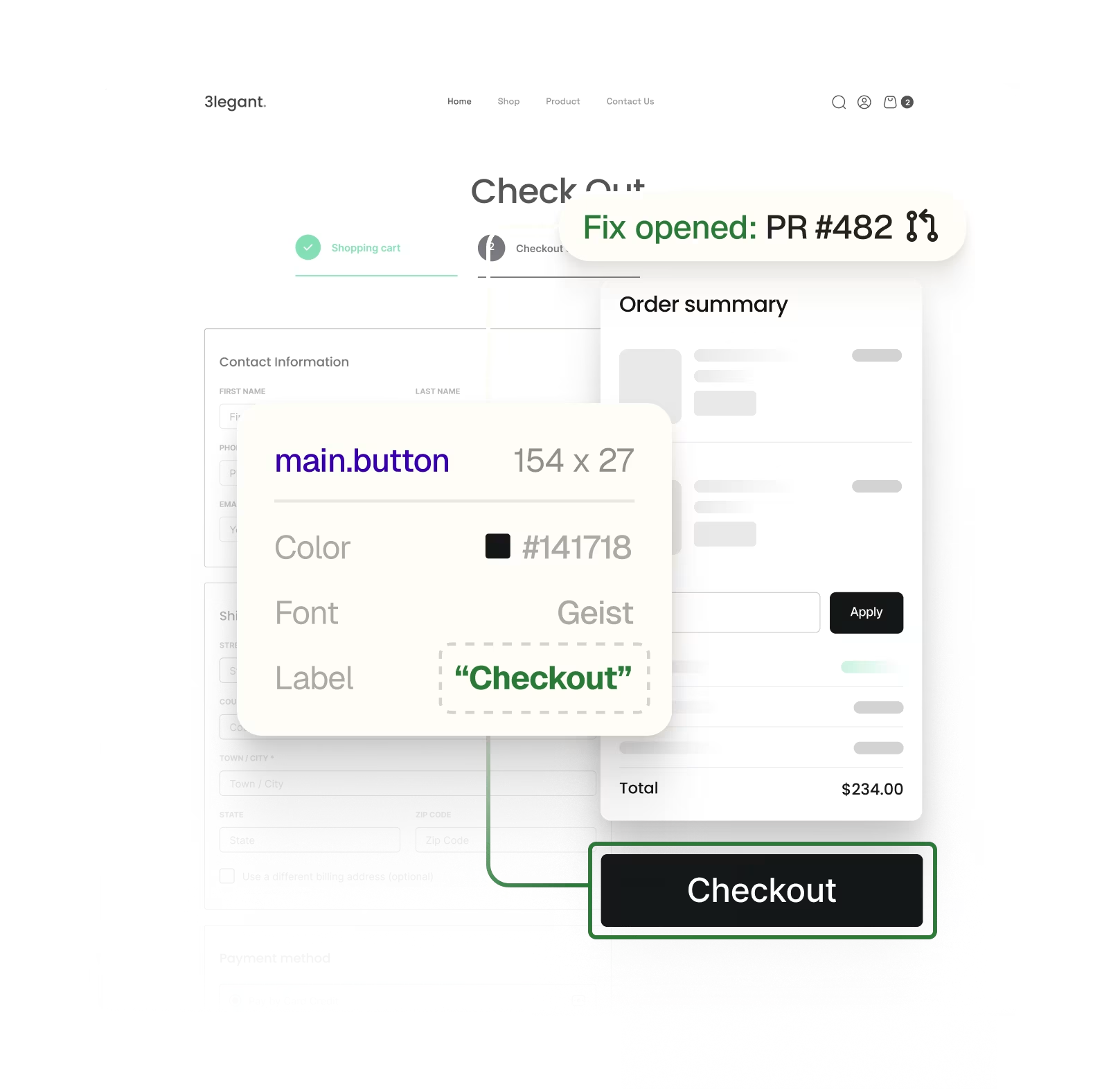
Every issue comes with a screenshot, who it affects, and where it lives. Spur opens a pull request with the fix, and your team reviews and merges.

Every workflow
your team

owns, covered.

Every workflow your team

owns,

covered.

Built for the teams who ship the site, own the brand, and answer for compliance.

Customer-journey testing

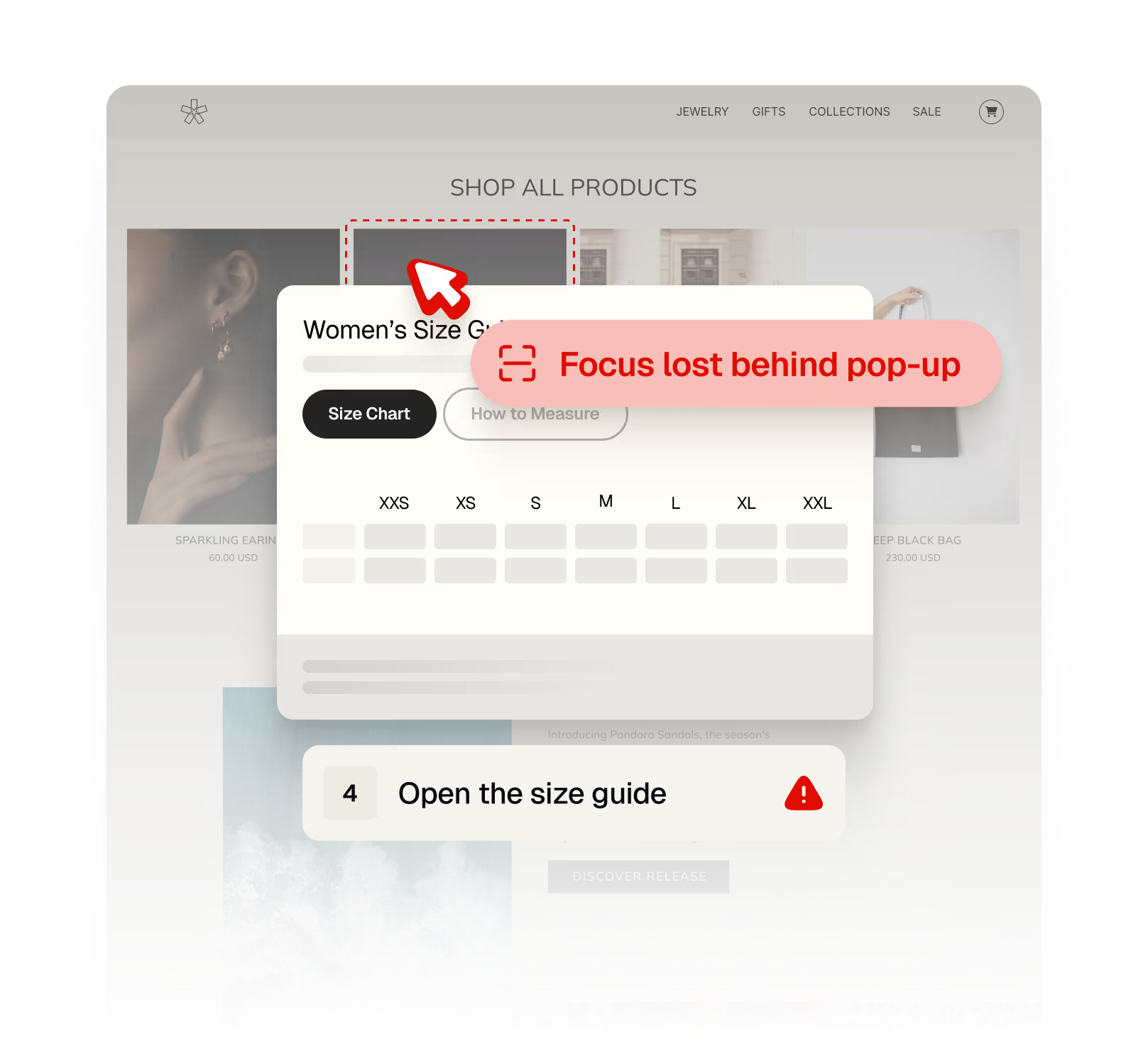
Checks the screens a scanner never reaches: logged-in states, cart drawers, modals and error messages.

Issues in plain English

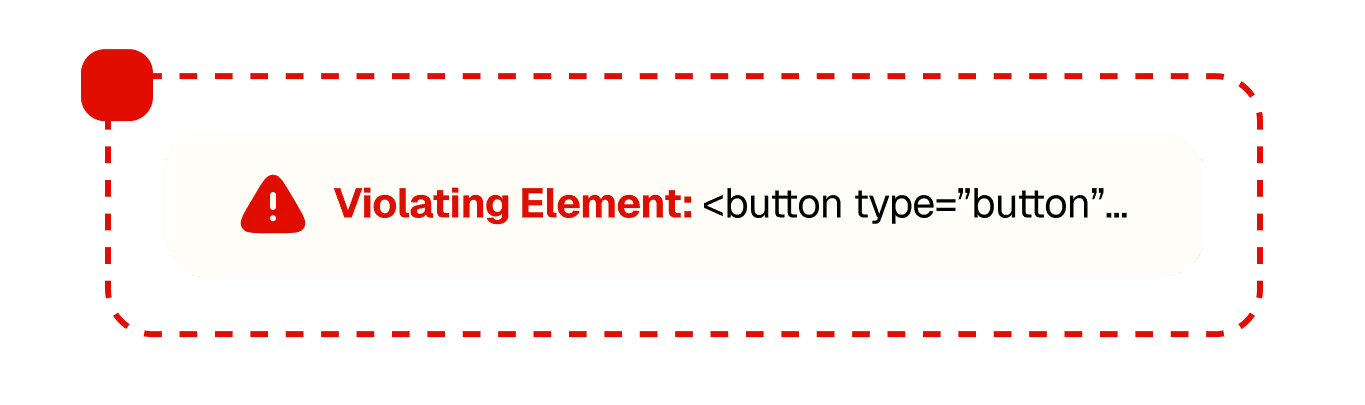
What's wrong and on which screen, with a box drawn around the exact element. No rule codes to decode.

Who it shuts out

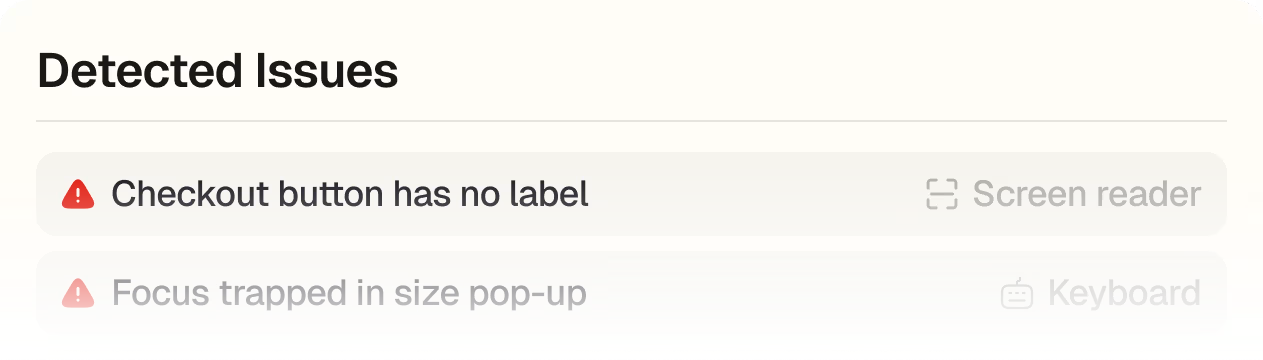
Every issue is tagged by who it affects: screen reader, keyboard, low vision, motor and voice control users.

Fixes as pull requests

Spur writes the change and opens a PR. Nothing goes live until your team approves it.

Prioritized by impact

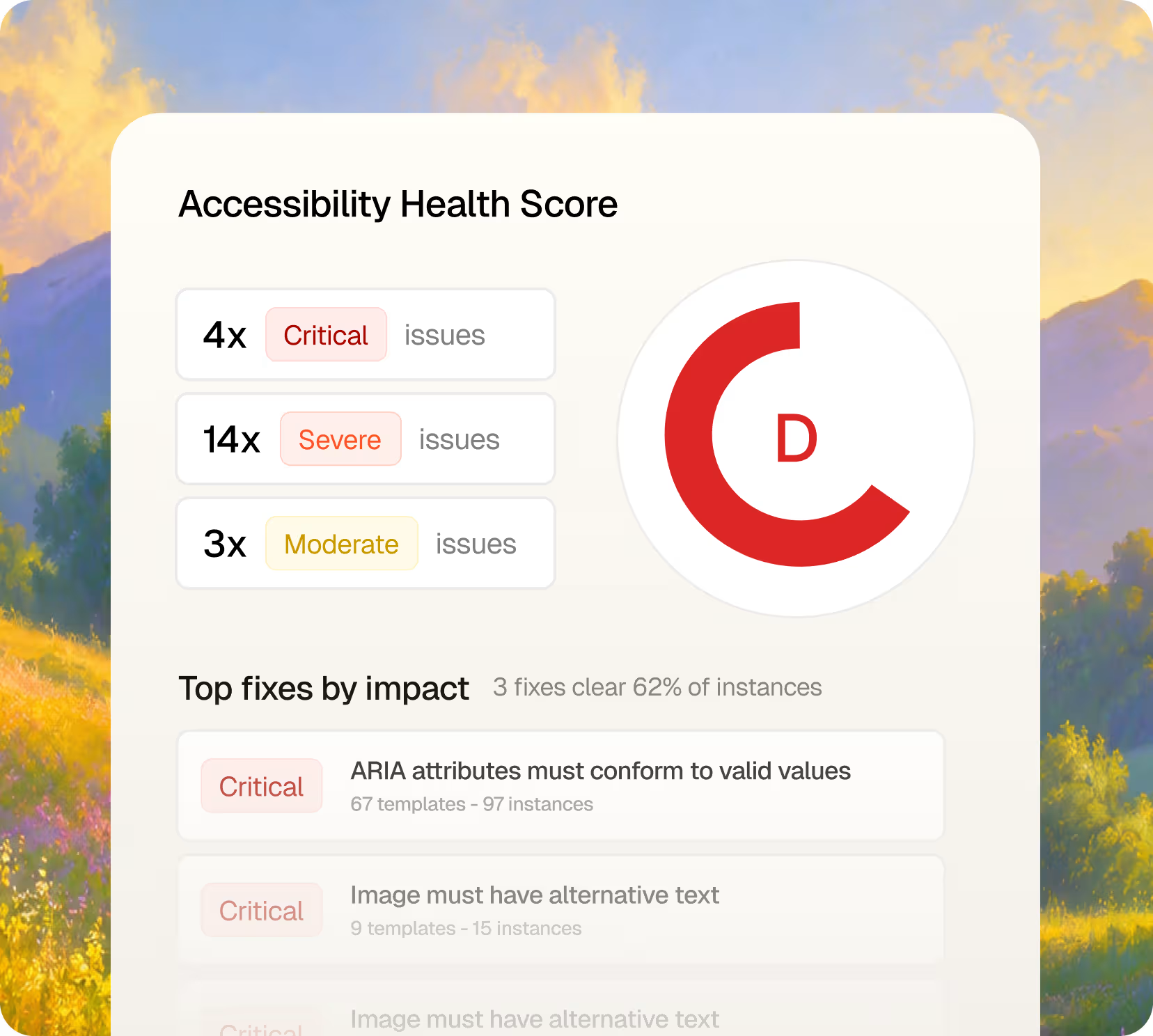
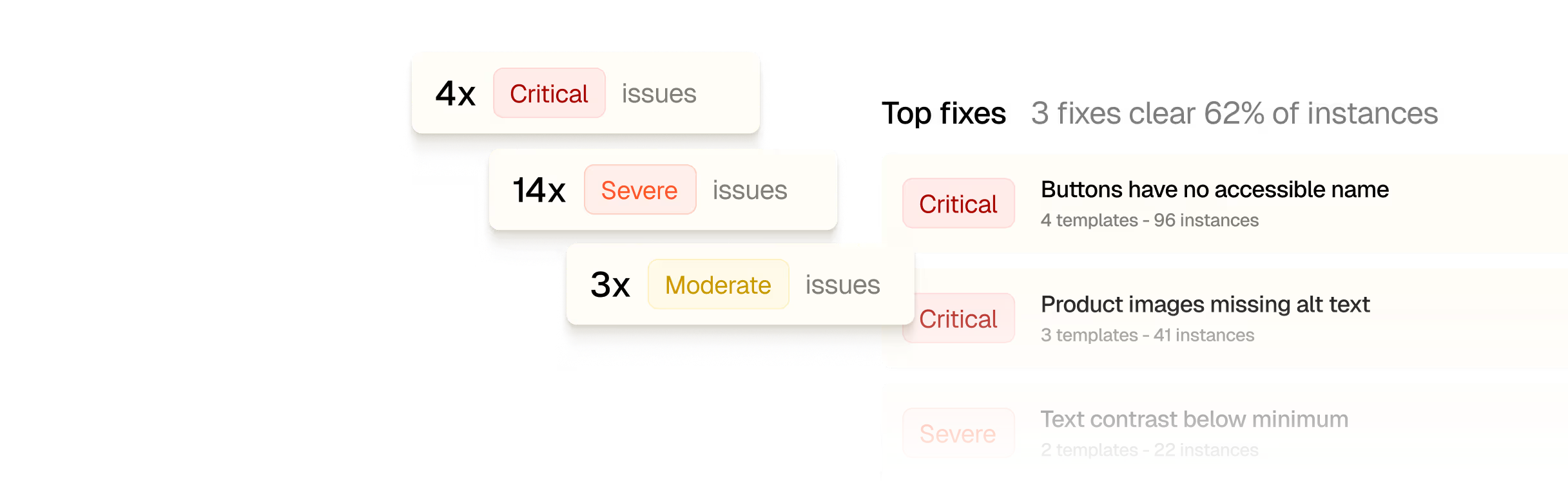
Issues are ranked by severity and blast radius, so the fixes that clear the most instances come first.

Reports for every stakeholder

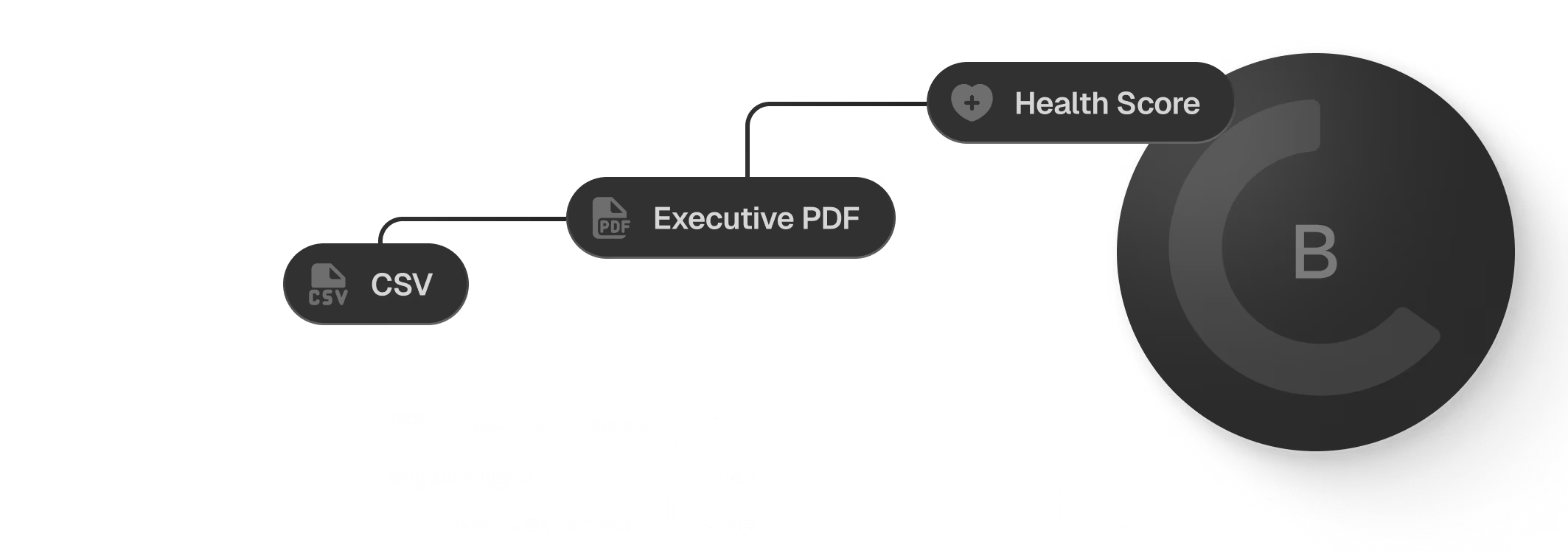
A health score for the team, a CSV for your tracker, and an executive PDF for leadership.

The one no script
can keep up with,

handled.

The one no script can keep

up with,

handled.

Many accessibility failures only show up once someone does something: opens a menu, submits a form, gets an error. Spur is there when it happens.

Found mid-journey

Focus lost behind a pop-up, an error a screen reader never announces, a cart update nobody hears. Spur flags each one with a screenshot of the exact screen.

Fixed at the source

No overlay and no widget on your site. Fixes land in your code through a pull request. You can also push issues to Jira, or hand them to your coding agent through Spur MCP.

The business case,

pre-built.

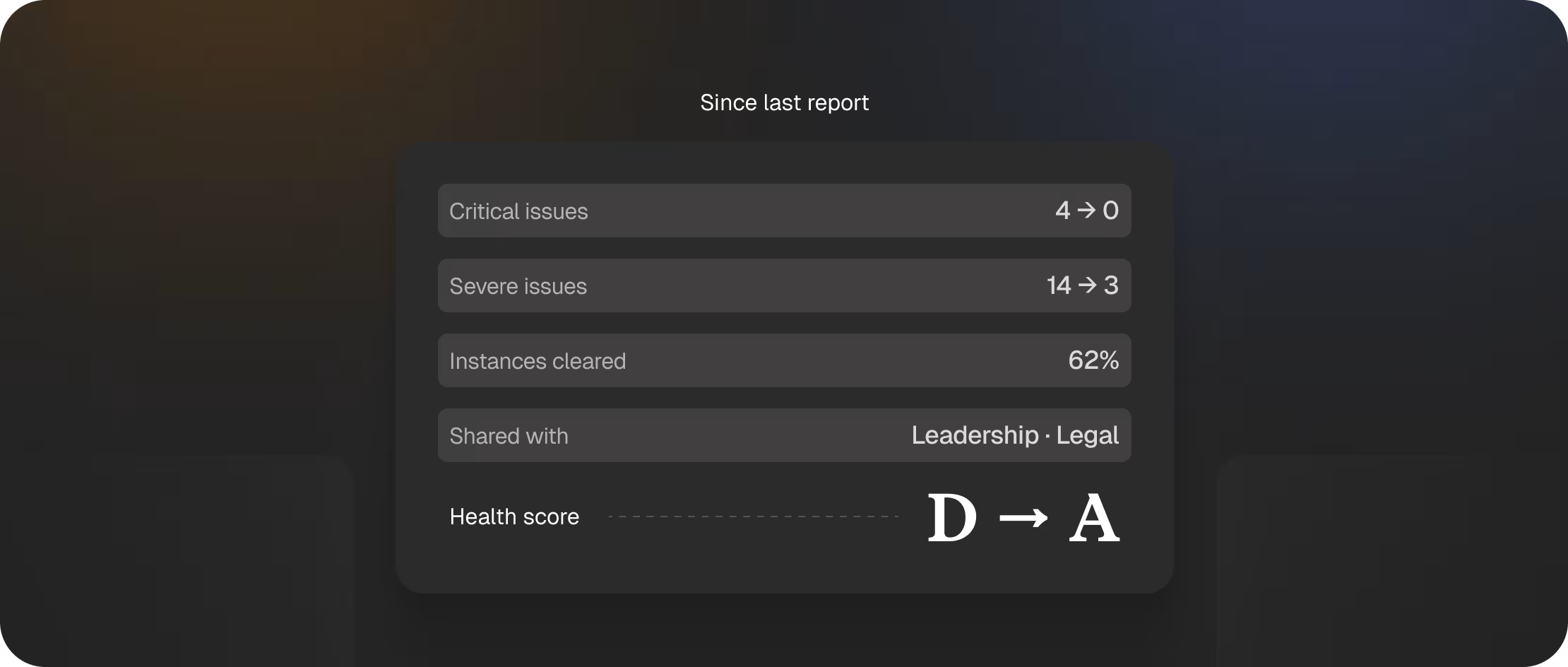
Accessibility work that leadership and legal can actually see, not a spreadsheet nobody opens.

Know where you stand

A health score and severity breakdown for every site you test, from critical to moderate.

Show the progress

Compare each report against the last so improvements and regressions are visible over time.

Hand it off with confidence

An executive PDF with priorities, scope, coverage and next steps, plus a full CSV export of every issue.

Real bugs,

caught in production.

Exploratory Testing
Spur caught a product page displaying tote bag reviews instead of hat reviews
A customer reading reviews on the Magnitude Hat 2.0 page was seeing feedback about gym totes, wide straps, and pool bags.
Agent used:
Exploratory Testing
Type of test:
Checkout Interactions
Device:
Desktop
Time to detect:
12 seconds
Exploratory Testing
Spur caught a product page displaying tote bag reviews instead of hat reviews
A customer reading reviews on the Magnitude Hat 2.0 page was seeing feedback about gym totes, wide straps, and pool bags.
Agent used:
Exploratory Testing
Type of test:
Checkout Interactions
Device:
Desktop
Time to detect:
12 seconds
Exploratory Testing
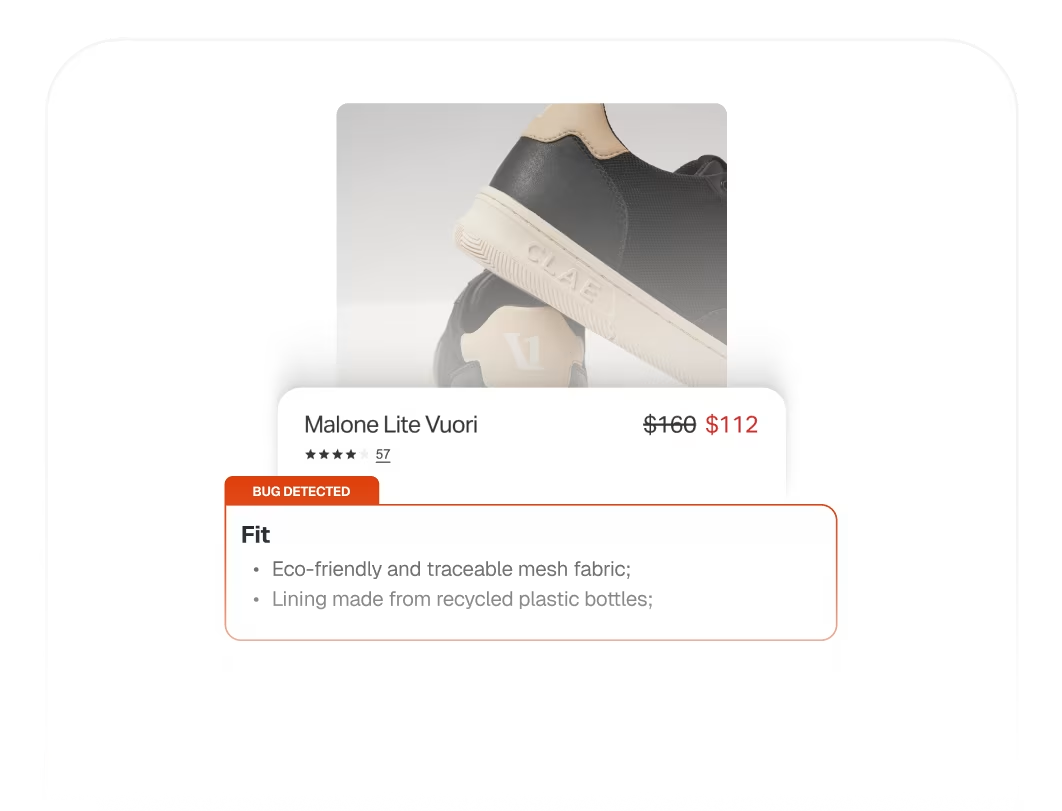
Spur found a "Fit" accordion filled with materials and sustainability info
Exploratory Testing
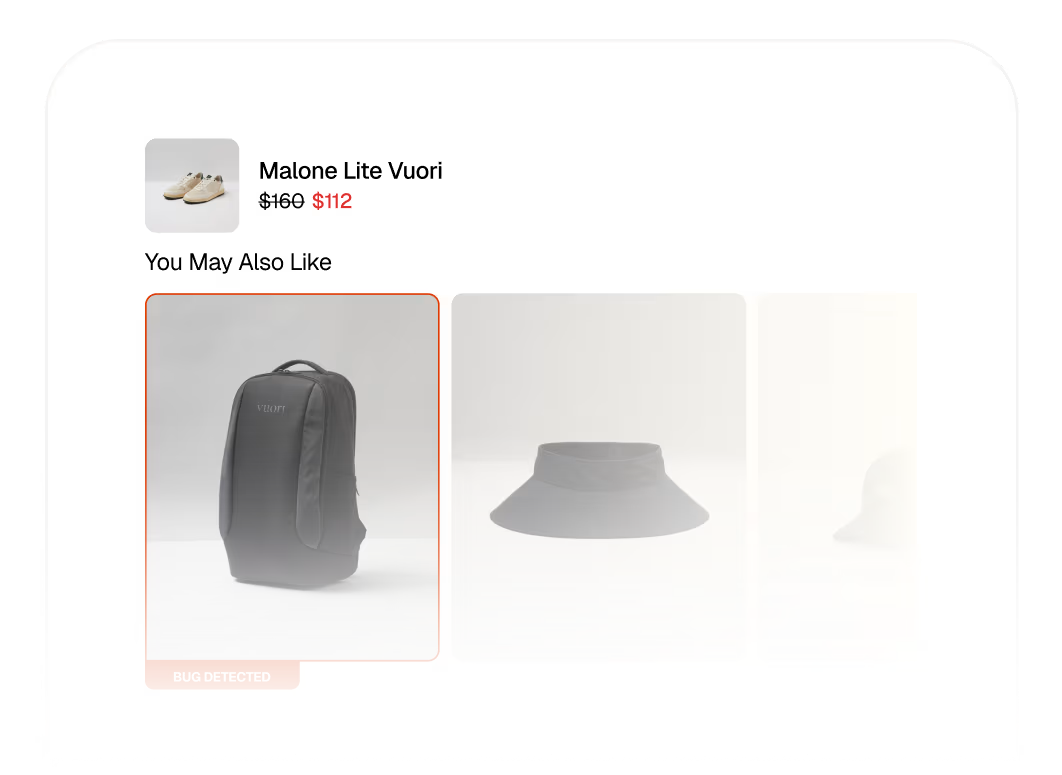
Spur spotted a shoe page recommending backpacks, hats and travel bags instead of shoes
Exploratory Testing
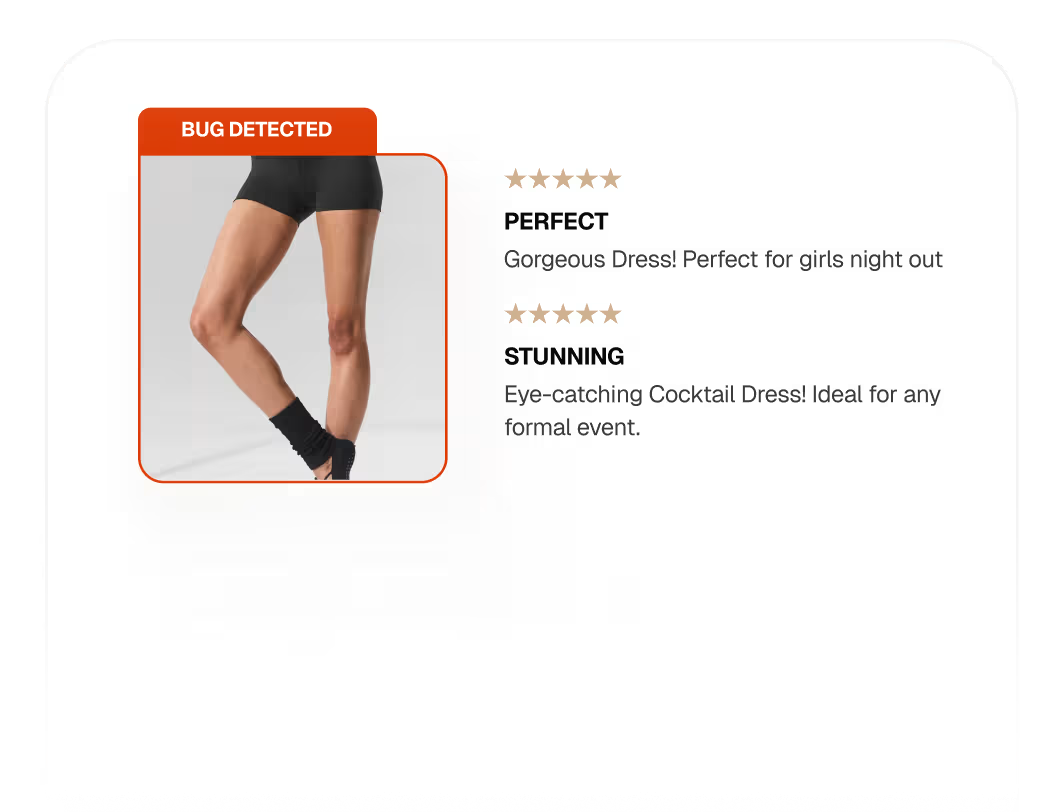
Spur caught a mismatched review on a shorts PDP
Exploratory Testing
Spur found a "Fit" accordion filled with materials and sustainability info
Explore the bug book
Exploratory Testing
Spur spotted a shoe page recommending backpacks, hats and travel bags instead of shoes
Explore the bug book
Exploratory Testing
Spur caught a mismatched review on a shorts PDP
Explore the bug book

Testimonials

Spur is our first big win company-wide in terms of implementing the use of AI agents. When we were able to share this with our greater team, everybody was almost in awe of what we were able to achieve.

Chloe Lu

Manager, E-commerce Quality Assurance, Living Spaces

“It made people’s jobs easier. No one was let go, and it created space to work on more interesting problems.”

‍

Katherine Maddox

Director of Quality Engineering, Wondr Health

“The more you use Spur, the smarter it gets. The smarter it gets, the faster you can write tests and find bugs.”

Solomon Ademuwagun

QA Manager, UncommonGoods

Spur is always right. We used to spend hours testing stuff manually. Now we just run Spur and never test ourselves.

‍

Thomas Bueler-Faudree

Co-founder, August

"After 15 years in QA, I’ve never ramped up faster. Spur’s AI gives detailed feedback that makes dev handoff easy — and their support eliminated the pain of UI automation. I’d pick Spur over any other framework, hands down"

Theodore Schachter

QA Engineer, Studeo

“Before Spur, we relied on Alona to manually spot check our widgets store by store. We knew that was not going to scale as we added more brands.”

Janvi Shah

Co-Founder & CEO, Hue

"From minute one we had the feeling that the tools and the agents Spur was leveraging were more advanced. With the demos, you were just writing test steps live and they were actually working."

Sebastian Villanueva

QA Engineer, OurPlace

"It is definitely one of the most useful things we have had, not just for QA but for our company in general. I would just suggest other fintech teams try it out. It would give you more security that your actual money and your actual processes and flows are being covered very comprehensively."

Denise Anne Gamboa

Product & Project Manager, OneSafe

We spent seven months trying to get Selenium running and still couldn’t get a stable suite. Spur got tests live in days without the constant breakage.

Vandana

Director of Engineering, Alo

Spur has significantly improved Wander’s testing capabilities. It has allowed us to iterate & ship so much faster with confidence!

Nathan Potter

CTO, Wander.com

Spur helped us build up our QA program. Cutting manual QA time down from days to 30 mins each release. It’s one of the major AI wins in our company, we went from 0 to 80% coverage in 1 month.

Pete Franco

President, LivingSpaces

FAQ

Did we miss a question?
Email us directly

‍

Getting started
What do I need to get started?

A web address. If you want Spur behind a login, a test account as well. There are no test scripts to write and nothing to install on your site.

Staging or production?

Both. It's a URL switch, so you can check staging before release and run the same checks against production.

Do I need to be technical to use it?

No. Every issue is written in plain English, with a screenshot of the exact element and a note on who it affects.

Fixes
Does Spur change my code?

Spur opens a pull request with the fix. Nothing reaches your live site until someone on your team reviews and merges it, like any other change.

Can we use our own workflow instead?

Yes. Push any issue to Jira, or hand fixes to your coding agent through Spur MCP.

Standards and reporting
Which standard do you test against?

WCAG 2.2. Every issue is mapped to the criterion it fails, with a severity level.

Does this replace a manual accessibility audit?

No. Some criteria need human judgement. Spur catches and fixes the issues that can be found automatically, so your auditor's hours go to the calls only a person can make.

Is Spur an overlay or accessibility widget?

No. Spur adds nothing to your site. Every fix is a real change in your own code.

What reports do I get?

A live dashboard with a health score and top fixes by impact, a CSV export of every issue, and an executive PDF with priorities, scope, coverage and next steps.

Hear your checkout the way a screen reader does.

Bring a web address to the demo. We'll run Spur on it and walk you through what it finds.

Book an accessibility demo